To track cost per customer from Meta ads when sales close on WhatsApp or the phone, you need three things: the ad ID stored on every lead, the deal value recorded when a lead becomes a customer, and the ad spend for each ad. Cost per customer is spend divided by customers won; ROAS is revenue divided by spend. Meta cannot see sales that happen in a chat or a clinic, so this join has to happen in your CRM or sheet.
Once you have it, you can also send won deals back to Meta through the Conversions API, so its delivery system learns which leads actually buy. This guide covers how to capture the ad on every lead type, the formulas, a worked example and the Meta integrations that close the loop.
Why cost per lead misleads
Ads Manager reports cost per lead well. But a lead is an enquiry, not a sale. Some campaigns bring cheap leads who never pick up; others bring fewer, more expensive leads who buy. If you scale the "cheapest" campaign by cost per lead, you can end up spending more per customer.
The fix is to judge every campaign, ad set and ad on cost per customer and ROAS. That requires connecting two data sets Meta keeps apart from your sales: which ad each lead came from, and which leads paid.
Step 1: capture the ad on every lead
How you capture the source depends on the lead type.
| Lead type | What identifies the ad | Where it comes from |
|---|---|---|
| Meta lead form (Instant Form) | Lead ID, ad ID, form ID | Lead ads webhook and API |
| Click-to-WhatsApp ad | Ad ID (source_id), click ID (ctwa_clid) | Referral object on the first incoming message |
| Website form from a Meta ad | UTM parameters or ad ID in the URL | URL parameters set on the ad |
Lead forms
Meta's lead ads documentation shows the webhook carrying the lead ID, form ID and ad ID, and the API returning ad_id and form_id with each lead's answers. Store the lead ID too; you will need it to send conversions back.
Click-to-WhatsApp ads
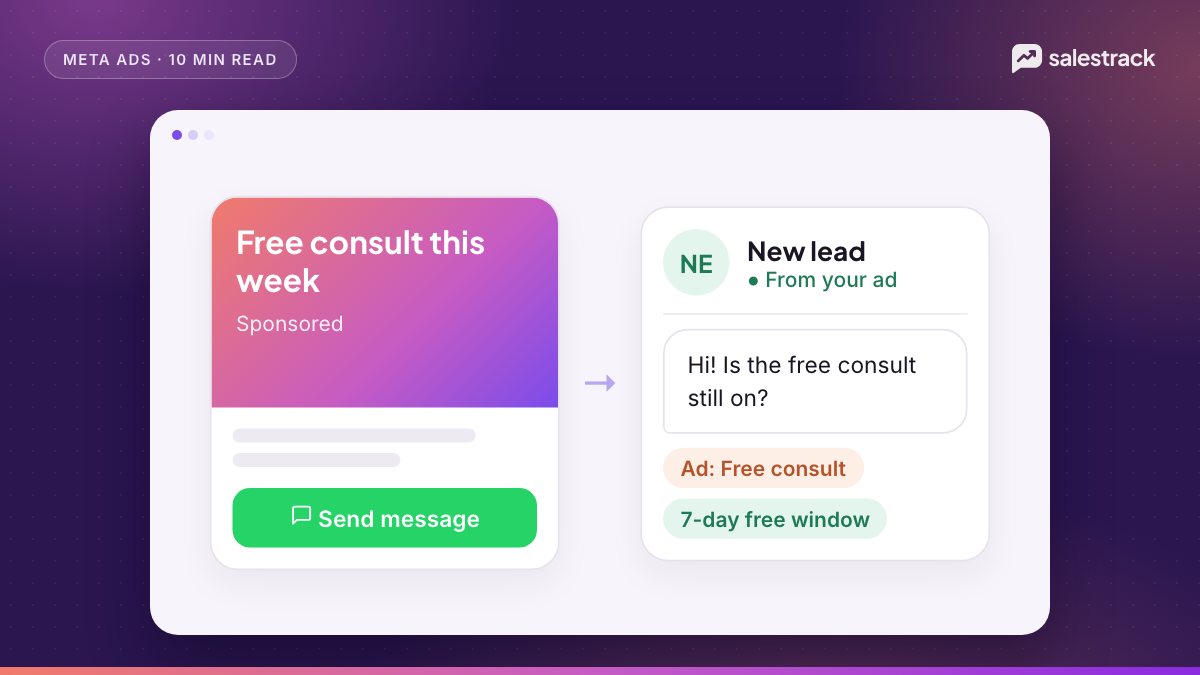
When someone messages you from a Click-to-WhatsApp ad, the first message includes a referral object with the ad ID (source_id), the ad URL and a click ID (ctwa_clid). Meta notes the click ID is omitted for messages from ads in WhatsApp Status. Capture this on the first message; if your WhatsApp tool drops it, the source is lost. Our Click-to-WhatsApp ads guide covers setup.
Website forms
Add URL parameters to the ad so the landing page receives the source. Meta's URL parameters help page explains dynamic values such as {{campaign.id}}, {{adset.id}} and {{ad.id}}. For example: utm_source=facebook&utm_medium=paid&utm_campaign={{campaign.name}}&ad_id={{ad.id}}. Your form must save these hidden values with the lead.
Step 2: the cost per customer and ROAS formulas
With the ad on every lead and the deal value on every won lead, the formulas are simple. Calculate them at campaign, ad set and ad level.
- Cost per lead = ad spend / leads
- Lead-to-customer rate = customers / leads x 100
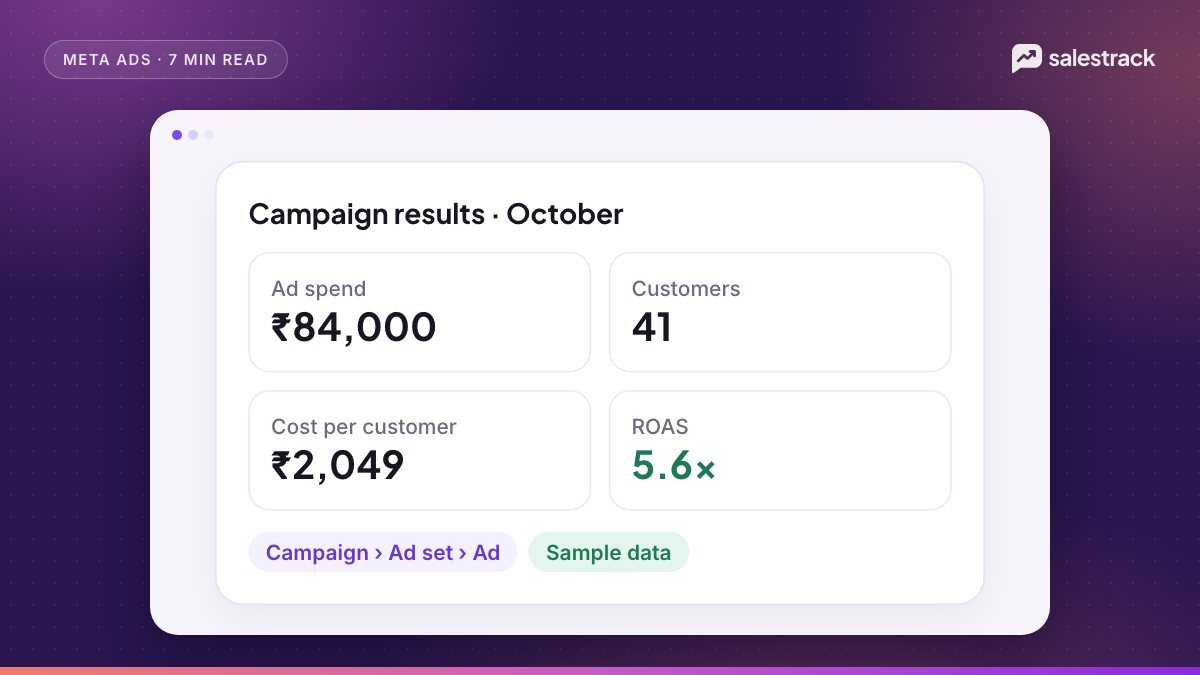
- Cost per customer = ad spend / customers
- ROAS = revenue from those customers / ad spend
- Break-even ROAS = 1 / gross margin (for example, 1 / 0.40 = 2.5x)
Two rules keep the numbers honest. Count revenue by the lead's original ad, not the date the deal closed, and wait for your typical sales cycle to finish before judging a campaign. A real estate campaign judged after two weeks will always look bad.
Common attribution mistakes
- Repeat enquiries. The same person fills a lead form in March and messages from a Click-to-WhatsApp ad in April. Decide one rule, such as first touch or last touch, and apply it to every lead, or the same sale gets counted twice.
- Walk-ins and referrals marked as ad leads. Only leads with a captured ad ID should count toward an ad's customers.
- Deals marked won without a value. ROAS is only as good as the revenue entered. Make the deal value a required field when a lead is marked won.
- Mixing currencies or tax. Compare spend and revenue in the same currency, both before or both after GST or VAT.
An illustrative example
For example, a coaching institute in India runs two campaigns for one month, each with ₹50,000 of spend. The course fee is ₹40,000. All numbers are illustrative.
| Metric | Campaign A: lead form | Campaign B: Click-to-WhatsApp |
|---|---|---|
| Ad spend | ₹50,000 | ₹50,000 |
| Leads | 500 | 250 |
| Cost per lead | ₹100 | ₹200 |
| Enrolments | 10 (2%) | 20 (8%) |
| Revenue | ₹4,00,000 | ₹8,00,000 |
| Cost per customer | ₹5,000 | ₹2,500 |
| ROAS | 8.0x | 16.0x |
By cost per lead, Campaign A looks twice as good. By cost per customer and ROAS, Campaign B is twice as good. Moving budget toward B is the right call, which Ads Manager alone would never tell you.
Step 3: send conversions back to Meta
Reporting tells you where to move budget. Sending won deals back to Meta helps its delivery system find more people like your buyers. Meta's Marketing API changelog says the old Offline Conversions API would be discontinued when Graph API v16.0 expired in May 2025, and that the Conversions API now fully supports offline events. There are two relevant routes.
Conversions API for CRM (lead forms)
The Conversions API for CRM sends lead stage changes from your CRM to Meta, matched by the Meta lead ID. Meta recommends uploading at least once a day, generating at least 200 leads a month, and choosing a stage that happens within 28 days of the lead with a conversion rate between 1% and 40%. It supports the Conversion Leads performance goal, which Meta says currently works only with Instant Form lead ads.
Conversions API for business messaging (Click-to-WhatsApp)
The Conversions API for Business Messaging accepts events such as LeadSubmitted, QualifiedLead and Purchase with action_source set to business_messaging and messaging_channel set to whatsapp, identified by the click ID and WhatsApp Business Account ID.
How salestrack tracks Meta ads ROI
salestrack's Meta ads ROI feature syncs Meta and Google ad spend by campaign, ad set and ad. Lead form leads and Click-to-WhatsApp chats arrive tagged with the exact ad, and when your team marks a deal won with a value, revenue is attributed to that ad. You then see cost per lead, cost per customer and ROAS side by side, with a drill-down from campaign to ad. It works alongside Meta Ads Manager rather than replacing it. Ads ROI is included from the Starter plan; see pricing and our guide to sales reports and KPIs.
FAQ
How do I calculate cost per customer from Meta ads?
Divide the ad spend of a campaign, ad set or ad by the number of leads from it that became paying customers. You need the ad ID stored on each lead to count customers per ad.
How do I track ROAS when sales close on WhatsApp?
Store the ad ID on every lead, record the deal value when it is won, then divide revenue by ad spend per ad. Optionally send the won event back to Meta through the Conversions API.
Does Meta still have an Offline Conversions API?
Meta announced that the old Offline Conversions API would be discontinued when Graph API v16.0 expired in May 2025, and recommends the Conversions API, which now supports offline events, including the Conversions API for CRM for lead ads.
What is a good ROAS for lead generation?
It depends on your margin. Break-even ROAS is 1 divided by your gross margin, so with a 40% margin you need 2.5x just to break even on ad spend.
Can I track Click-to-WhatsApp ads to revenue?
Yes. Messages from Click-to-WhatsApp ads include a referral with the ad ID and, except for Status ads, a click ID. Store them on the lead and you can attribute the won deal to the ad.
Sources
Facts in this article were checked against these sources on 1 November 2026. WhatsApp and Meta change their rules and prices often, so check the source before you rely on a number.
- Conversions API for CRM (Conversion Leads integration) — Meta for Developers
- Conversions API for Business Messaging — Meta for Developers
- Marketing API changelog, version 20.0 (Offline Conversions API discontinuation) — Meta for Developers
- Retrieving leads (Lead Ads) — Meta for Developers
- Messages webhook reference: referral object for Click to WhatsApp ads — Meta for Developers
- Add URL parameters to your Meta ads — Meta Business Help Center