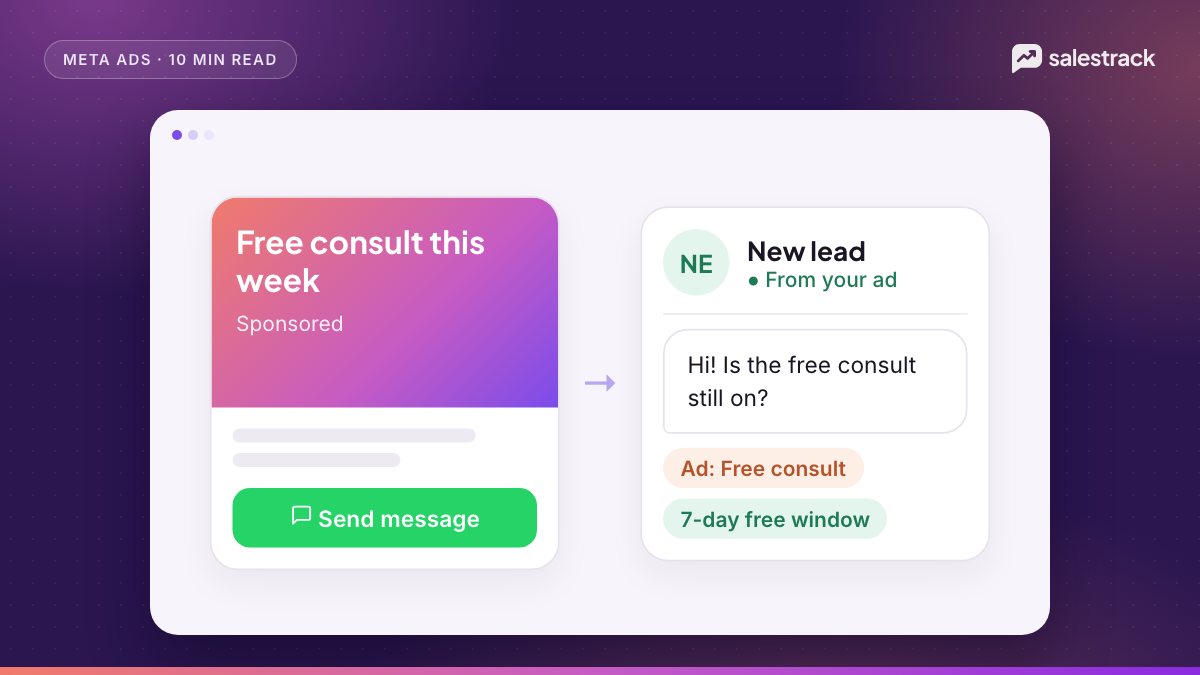
Click to WhatsApp ads are Facebook and Instagram ads whose button opens a WhatsApp chat with your business instead of a website or a form. The person taps, WhatsApp opens with a message ready to send, and the conversation starts on your business number. You build them in Meta Ads Manager with an Engagement, Leads, Sales or Traffic objective and WhatsApp as the destination.
Three things make them worth running well. Replies to these chats can be free: if you answer within 24 hours, Meta opens a free entry point window that, per its pricing page as of November 2026, may stay open for up to 7 days. Every chat carries a click ID (ctwa_clid) that ties it to the exact ad. And you can send results back to Meta through the Conversions API, so the algorithm learns which chats become customers.
The rest of this guide covers setup, the free window, tracking, message design, fast replies and the one number that tells you whether your click to WhatsApp ads are working: cost per customer.
How click to WhatsApp ads work
Meta's Marketing API documentation describes them simply: they send people who click directly into conversations with your business in WhatsApp. They support image, video, carousel and slideshow formats, and can run on Facebook, Instagram and WhatsApp Status placements.
The flow looks like this:
- A person sees the ad and taps "Send message".
- WhatsApp opens with your greeting and either a pre-filled message or a set of tappable questions.
- They send it. Your number receives the message along with a referral object: the ad ID, headline, body, a link to the ad and the
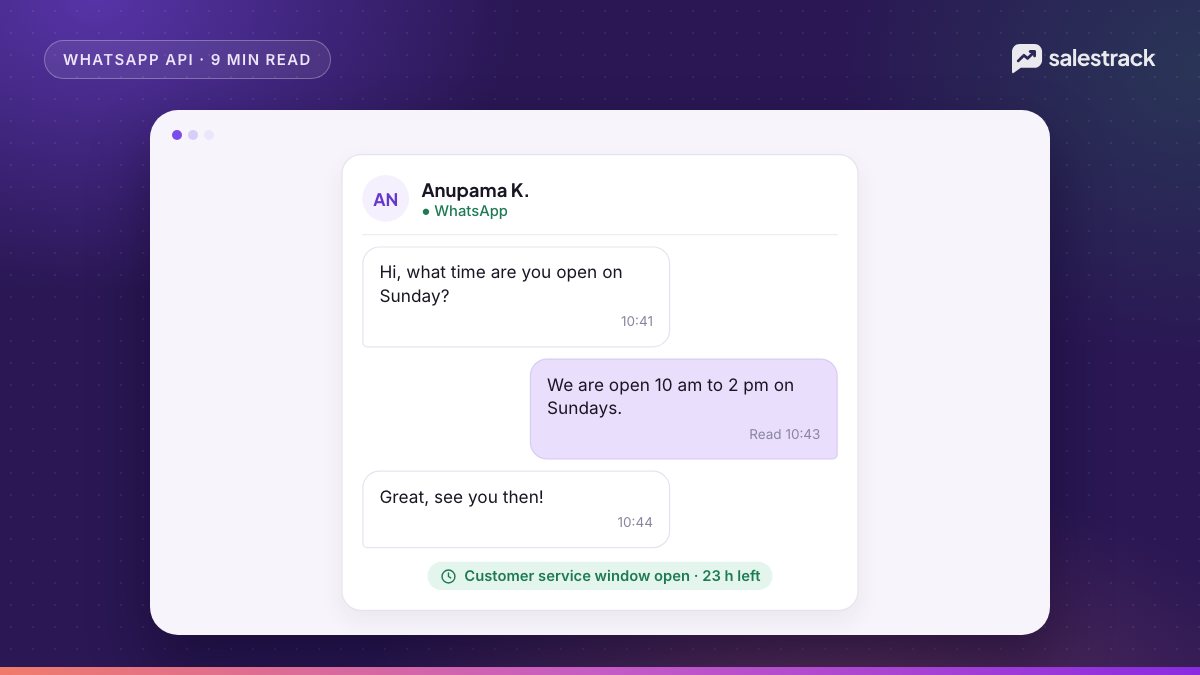
ctwa_clid. - A 24-hour customer service window opens. Your reply within it opens the free entry point window.
- Your team qualifies the lead in chat and, ideally, books a visit, call or sale.
Because the customer starts the chat, these conversations do not count toward your messaging limit, which only counts people you message outside a service window.
How to set up click to WhatsApp ads in Ads Manager
- Link WhatsApp to your Page. Connect your WhatsApp Business number to the Facebook Page you advertise from, in the Page's linked accounts settings. You need permission to advertise on that Page.
- Create a campaign. Meta supports Engagement, Leads, Sales and Traffic objectives for these ads. For lead generation, Engagement or Leads optimised for conversations is the usual start.
- Set WhatsApp as the destination. At the ad set level, choose messaging apps and pick WhatsApp, then select the number.
- Choose the optimisation goal. Conversations is available across all four objectives. The Sales objective can also optimise for conversions once you send purchase events.
- Target and place. Mobile placements matter most, since the free window only applies to chats started on the WhatsApp Android or iOS app.
- Build the creative. Image, video or carousel, with a clear reason to message: price list, availability, a quote.
- Write the message template. Set the greeting plus either a pre-filled message or ice breakers (next sections).
- Publish. The ad goes to review and becomes active once approved.
The free entry point window: 72 hours or 7 days?
For years the free entry point window was described as 72 hours. Meta's pricing page, which reflects updates effective 1 October 2026, now says this:
- It applies when a user messages you from a Click-to-WhatsApp ad on the WhatsApp Android or iOS app. Desktop and web do not qualify.
- You must reply within the 24-hour customer service window. That reply is not charged and opens the window, starting from when you replied.
- The window "may remain open for up to 7 days".
- While it is open, marketing, utility, authentication and service messages are all free. Meta Business Agent (Meta's AI agent) messages are still charged.
- The window belongs to the business-and-user pair, so it is shared by every account sending from that number.
This matters more since 1 October 2026, when Meta started charging for service messages beyond 1,000 per number per month and for utility templates inside a normal service window. Chats from ads are now the cheapest conversations you can have. See free WhatsApp messages and the service window for the full picture.
ctwa_clid, referral data and conversion tracking
The first message from an ad arrives with a referral object in the messages webhook. It includes the ad ID (source_id), the ad headline and body, a link to the ad, the media, and the ctwa_clid. One exception: chats from WhatsApp Status ad placements do not include ctwa_clid.
Sending results back with the Conversions API
Meta's Conversions API for Business Messaging lets you report what happened in the chat. The steps:
- Store the
ctwa_clidwith the conversation the moment it arrives. - Create or fetch a dataset linked to your WhatsApp Business account.
- When the chat converts, send an event with
action_sourceset tobusiness_messaging,messaging_channelset towhatsapp, your WhatsApp Business account ID and thectwa_clid. - Check the event in Events Manager.
Supported events include LeadSubmitted, QualifiedLead, InitiateCheckout, Purchase and order events. They should describe what happened in the chat, not on your website. Meta does not deduplicate these events, so send each conversion once. If you lack a click ID, you can send hashed customer data with your Page ID, but Meta only attributes it to ad interactions from the past seven days and only in some countries.
The payoff: per Meta, the Conversions API unlocks purchase optimisation for ads that click to WhatsApp. Instead of finding people who start chats, Meta can look for people who buy.
Pre-filled messages and ice breakers
If you change nothing, the customer sees Meta's default message: "Hello! Can I get more info on this?" That tells your team nothing. You have two better options in the ad's message template:
- Pre-filled (autofill) message. A sentence waiting in the text box, such as "Hi, please send the price list for the 2BHK at Palm Grove." One tap to send, and the first message tells you exactly what they want.
- Ice breakers. Up to a few tappable questions, such as "Price list", "Book a site visit", "Talk to an advisor". Good when one ad serves several intents.
Separately, you can set ice breakers on the phone number itself for people who message you directly. Meta's conversational components page allows up to 4, each up to 80 characters, with no emojis. A wa.me link with pre-filled text hides them.
Reply fast and route every chat
An ad chat is a person holding their phone and waiting. Treat it like a ringing call.
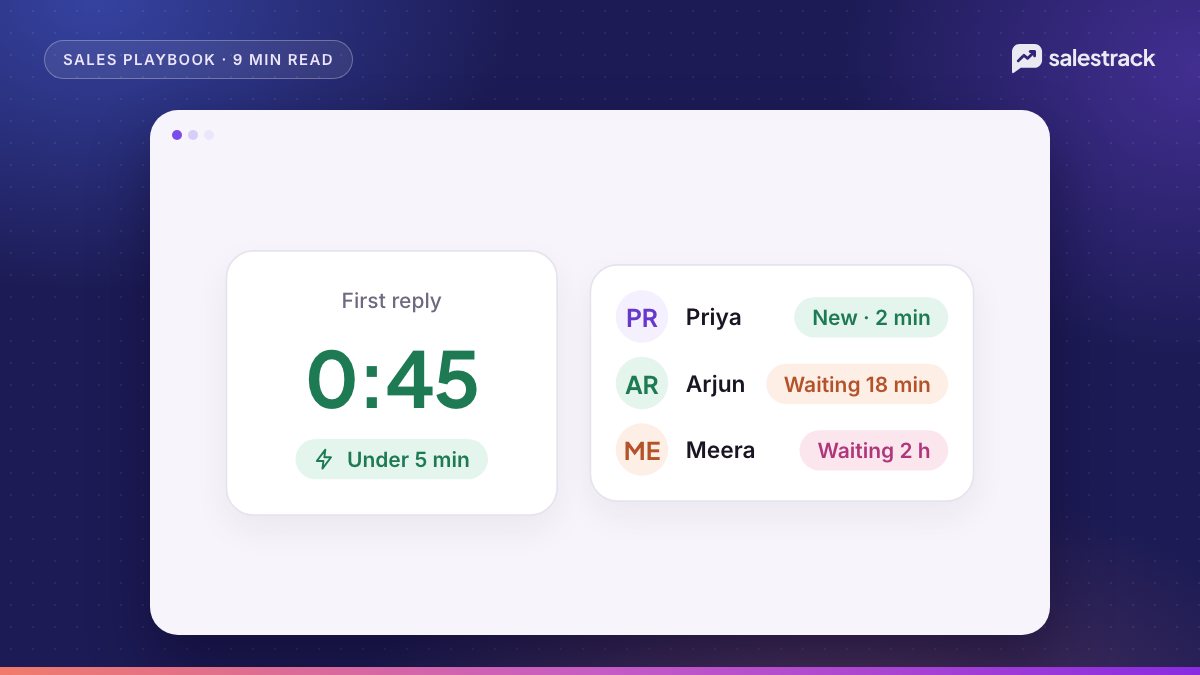
- Answer in seconds, not hours. An automatic first reply that confirms the request and asks one qualifying question keeps the lead engaged and opens the free window.
- Route by ad and intent. Send chats to a person or team by ad name, campaign, keyword or branch. Use round robin when several people sell the same thing.
- Set a timer. If the owner has not replied in, say, 15 minutes, move the chat to someone else and tell the manager.
- Cover nights and weekends. Either staff the inbox or let an AI agent answer common questions and hand hot leads over in the morning.
- Keep the ad on the lead. Every chat should show the ad it came from, so the salesperson knows which offer the person saw.
Our speed-to-lead playbook and lead assignment rules guide go deeper on both.
Measure cost per customer, not cost per conversation
Ads Manager reports cost per messaging conversation started. That number rewards ads that attract chatty people, not buyers. The number that matters is:
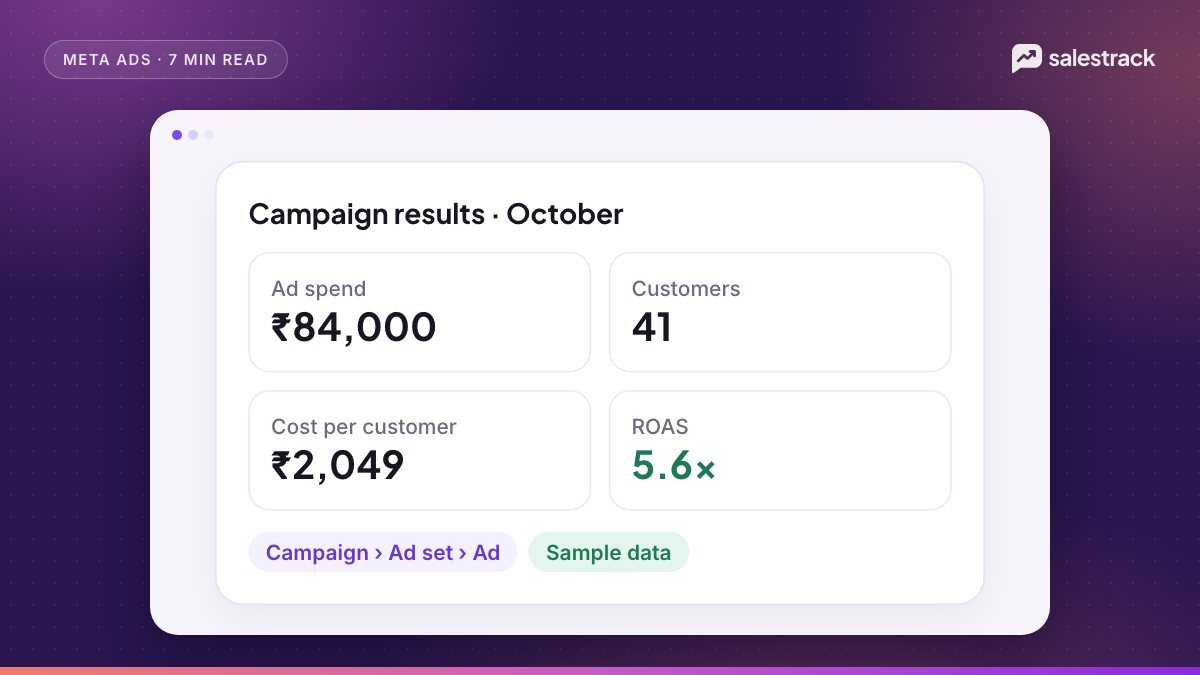
Cost per customer = ad spend ÷ customers won from that ad
For example, take two ads for a clinic, each spending ₹30,000 in a month (an illustration, not real data):
| Ad | Spend | Conversations | Cost per conversation | Customers | Cost per customer |
|---|---|---|---|---|---|
| Ad A: broad reel | ₹30,000 | 600 | ₹50 | 6 | ₹5,000 |
| Ad B: price-list carousel | ₹30,000 | 250 | ₹120 | 15 | ₹2,000 |
Ads Manager would call Ad A the winner. Your bank account would say Ad B. To see this you need three things joined together: spend by ad, the ad on every chat (from the referral data), and the outcome of every chat recorded in your CRM. Add deal value and you also get return on ad spend by ad. Our guide to cost per customer and ROAS tracking walks through the setup.
Running click to WhatsApp ads with salestrack
salestrack CRM by Dentobees brings Click-to-WhatsApp chats into a shared WhatsApp team inbox on the official API, with each chat saved as a lead tagged with its campaign, ad set and ad. Assignment rules route chats by keyword, ad name, branch or round robin, and reassign any lead not contacted in time. Every chat shows a 24-hour window timer. On the Growth plan, the AI sales agent can reply in seconds and hand hot leads to a person with a summary. When deals are won, Meta ads ROI reports show cost per customer and ROAS by campaign, ad set and ad, next to cost per lead. See pricing for plans.
FAQ
Are messages from Click-to-WhatsApp ads free?
Yes, within limits. If a user messages you from a Click-to-WhatsApp ad on the WhatsApp Android or iOS app and you reply within the 24-hour customer service window, Meta opens a free entry point window that may stay open for up to 7 days. Marketing, utility, authentication and service messages in that window are free; Meta Business Agent messages are still charged.
Is the free entry point window 72 hours or 7 days?
Meta's pricing page, which reflects updates effective 1 October 2026, says the free entry point window may remain open for up to 7 days. Older material describes 72 hours, so check the current page before you plan around it.
Which campaign objective should I use for Click to WhatsApp ads?
Meta supports Engagement, Leads, Sales and Traffic objectives for ads that click to WhatsApp. Most lead-generation teams start with Engagement or Leads optimised for conversations, and move to Sales once they send purchase events through the Conversions API.
What is ctwa_clid?
It is the Click-to-WhatsApp click ID, unique per ad click, that Meta includes in the referral object of the first message webhook. You store it with the chat and send it back through the Conversions API when that chat becomes a lead or a sale.
Can I use a normal WhatsApp number for Click to WhatsApp ads?
You need a WhatsApp Business number linked to your Facebook Page. It can be the WhatsApp Business app or the WhatsApp Business Platform (API). Tracking, routing and the Conversions API need the API.
Sources
Facts in this article were checked against these sources on 1 November 2026. WhatsApp and Meta change their rules and prices often, so check the source before you rely on a number.
- Ads that click to WhatsApp — Marketing API, Meta for Developers
- Pricing on the WhatsApp Business Platform (free entry point window, effective 1 October 2026) — Meta for Developers
- Messages webhook reference (referral object) — Meta for Developers
- Conversions API for Business Messaging — Meta for Developers
- Conversational components (ice breakers) — Meta for Developers
- Messaging limits — Meta for Developers