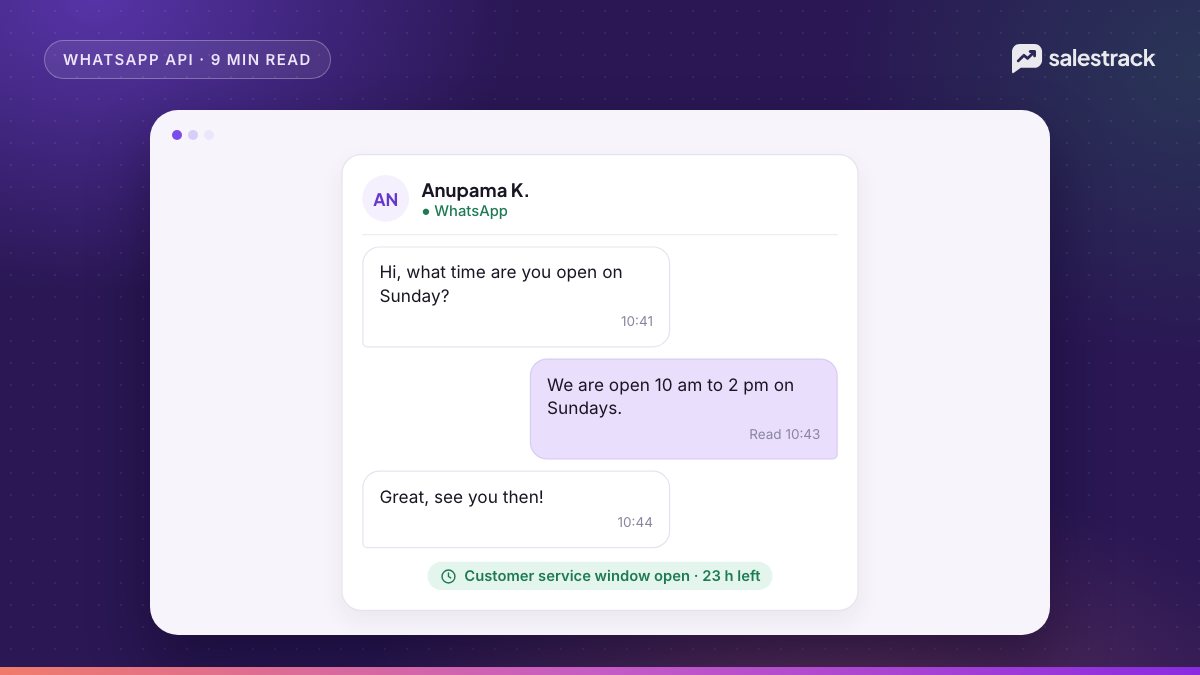
The WhatsApp customer service window is a 24-hour timer that starts when a customer messages or calls your business number. While it is open you can reply with any free-form message: text, images, documents, lists, buttons. When it closes, you can only reach that person with an approved template. Every new message from the customer resets the timer to 24 hours.
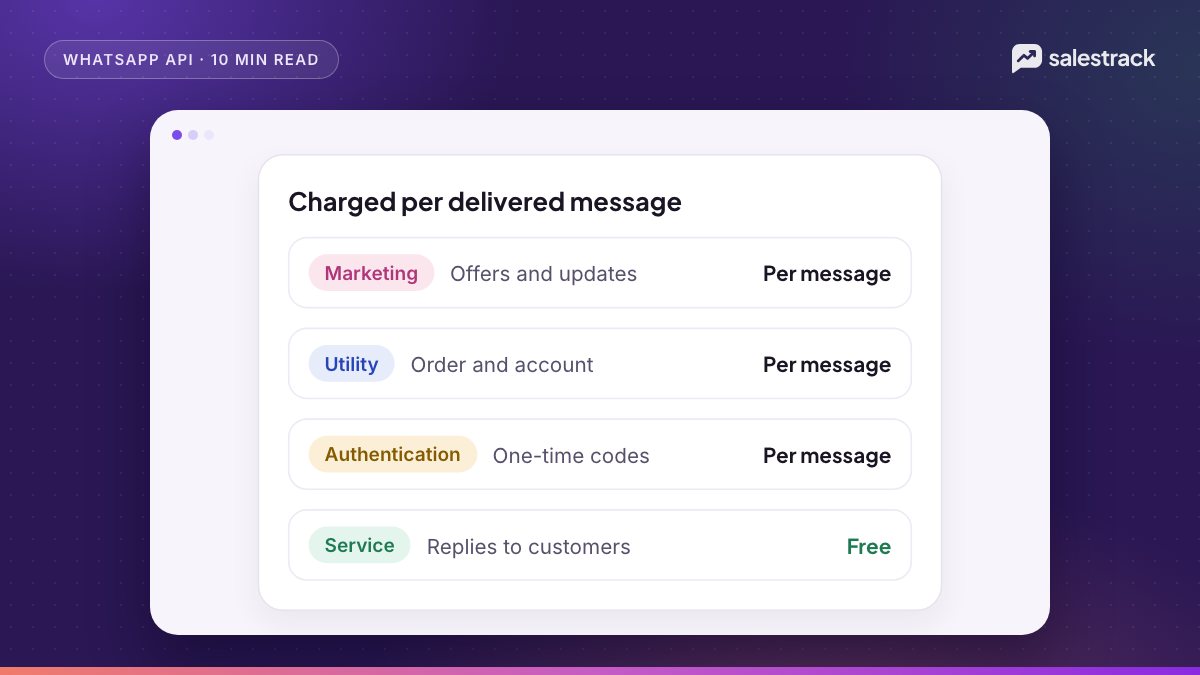
The window matters for cost as well as rules. As of November 2026, free WhatsApp Business API messages come from three places: messages customers send you (always free), the first 1,000 service messages per business phone number each month, and every message inside a free entry point window, which opens when someone messages you from a Click-to-WhatsApp ad and can last up to 7 days. Since 1 October 2026, service replies beyond 1,000 a month and utility templates sent inside the window are charged.
If you read guides from 2025 that say "service conversations are free" or "utility inside the window is free", they are out of date. Here is how it works now, according to Meta's pricing documentation, checked on 1 November 2026.
How the WhatsApp customer service window works
Meta's service message documentation describes the window in a few lines:
- It opens when a WhatsApp user messages or calls your business number.
- It lasts 24 hours from that user's latest message or call. Another message resets it to a full 24 hours.
- While it is open you can send non-template (free-form) messages. Meta calls these service messages.
- When it is closed you can only send template messages: marketing, utility or authentication.
- Either way, you may only message people who have opted in to hear from you.
The window is tracked per business and customer pair, so it does not matter which agent or tool sends the reply. Your own outgoing messages do not reset it. Only the customer's messages and calls do.
Free-form messages vs templates
| Free-form (service) message | Template message | |
|---|---|---|
| Needs Meta approval | No | Yes, before first use |
| When you can send it | Only inside an open window | Any time |
| Typical use | Answering questions, sending a quote, sharing a brochure | First contact, reminders, offers, OTPs, re-opening a closed chat |
| Price | First 1,000 per number per month free, then the service rate | Marketing, utility or authentication rate |
People also call free-form messages "session messages" or "free text". Meta's current name is service messages.
Which WhatsApp Business API messages are free in 2026
Meta lists exactly two cases where it does not charge for a message your business sends, plus inbound messages, which are never charged:
- Messages in a free entry point window. All marketing, utility, authentication and service messages are free. Messages written by Meta's own Business Agent AI are still charged.
- The first 1,000 service messages each month, per business phone number. They reset at midnight on the first of the month in your Messaging account's time zone. Unused messages do not carry over.
Meta also charges only for delivered messages, so a message that never reaches the phone costs nothing.
What stopped being free on 1 October 2026
- Service messages after the first 1,000 per number per month. Service messages had been free since 1 November 2024. They are now billed at the service rate, which on Meta's official rate card equals the utility rate in each market.
- Utility templates sent inside an open service window. These had been free since 1 July 2025. They are now charged at the normal utility rate.
Eligible government bodies and community non-profits are the exception: Meta keeps their service messages free beyond the free tier from 1 October 2026 to 31 December 2027.
The free entry point window from Click-to-WhatsApp ads
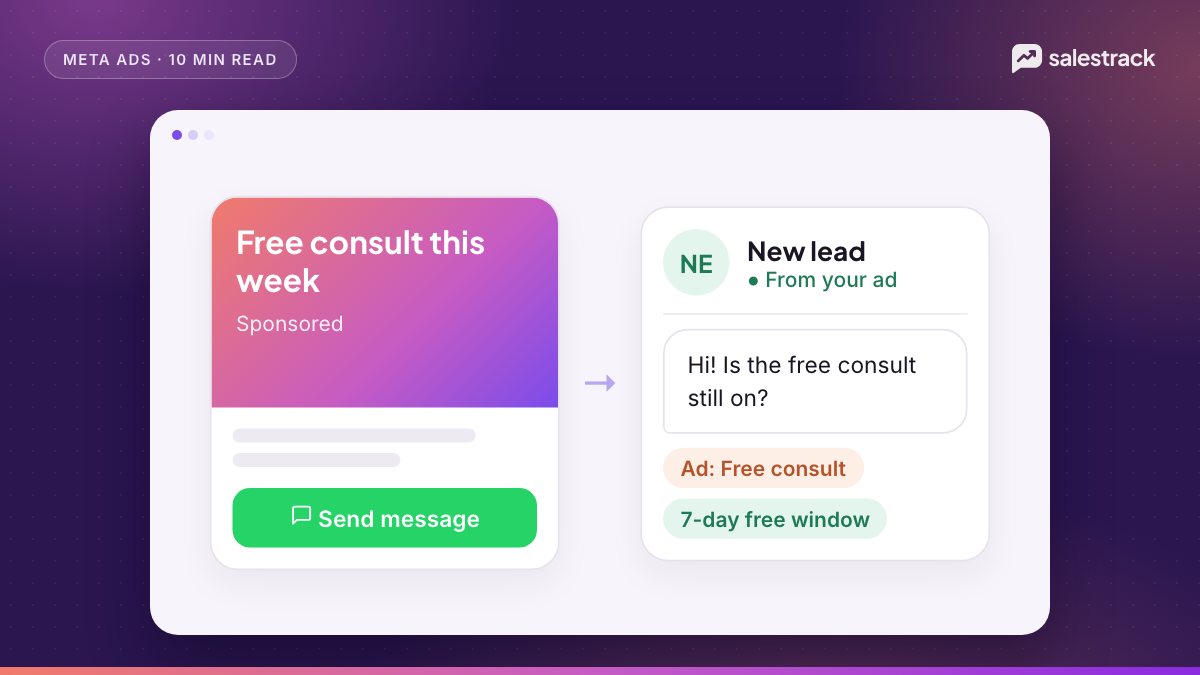
This is the most valuable free allowance for any business that runs Meta ads. It works like this, per Meta's pricing page:
- A person taps your Click-to-WhatsApp ad and sends you a message from the WhatsApp app on Android or iOS. (Desktop and web do not qualify.)
- That message opens a normal 24-hour customer service window.
- You reply inside that window with any message, a service reply or a template. The reply is free.
- Your reply opens a free entry point window, timed from when you responded. It can stay open for up to 7 days.
- While it is open, every marketing, utility, authentication and service message to that person is free.
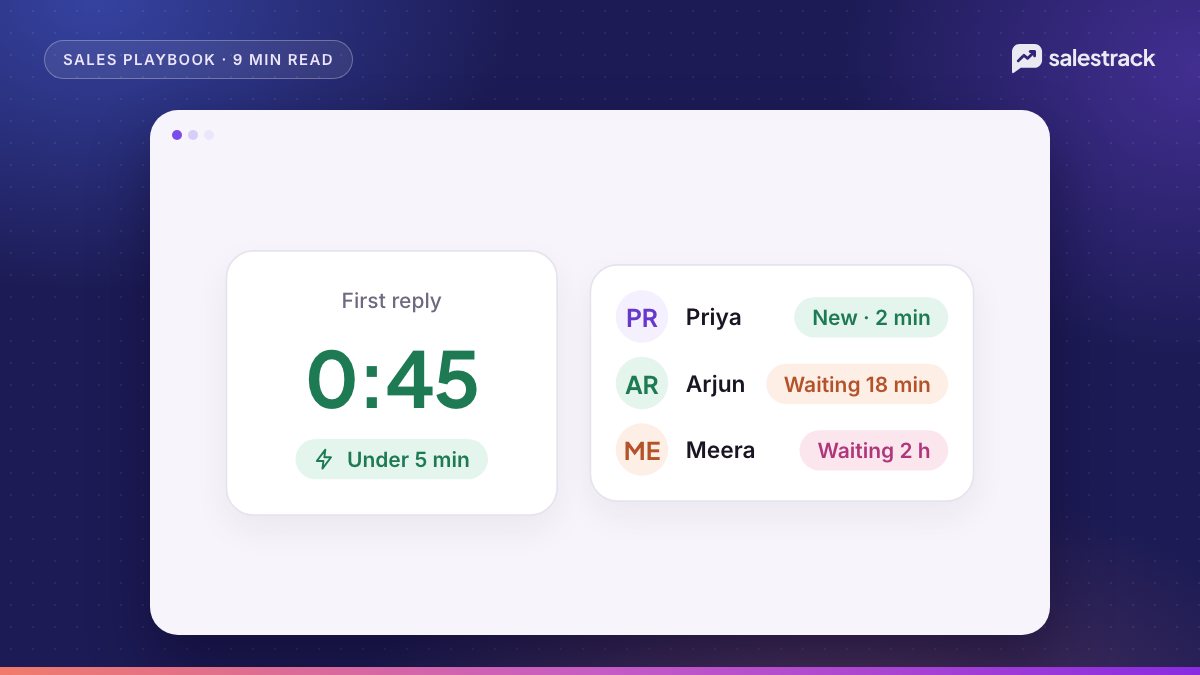
Two details that catch people out. First, you have to reply inside the first 24 hours to open it, so a slow first reply loses the free window as well as the lead. Second, the window belongs to your business number and the customer, not to the ad account. If several Messaging accounts share a number, any of them can send free messages while the window is open.
Messages sent inside a free entry point window also do not count toward your utility and authentication volume tiers. More on running these ads in our Click-to-WhatsApp ads guide.
How to keep most conversations free or cheap
None of this needs tricks. It is mostly about replying fast and letting the customer speak first.
1. Let customers start the chat
Every chat a customer starts opens a window in which your free service messages apply. Put a WhatsApp click-to-chat link or QR code on your website, Google Business Profile, invoices and shop counter. Run Click-to-WhatsApp ads instead of only lead forms if you plan to follow up on WhatsApp anyway, because those chats can open a free entry point window.
2. Answer inside the window
A reply inside the window can be a free-form message. A reply after it closes has to be a template, which costs more and may be a marketing message. A marketing template costs several times a service message beyond the free tier. Speed is cheaper. See speed to lead for how to set response targets.
3. Do not send a template when a free-form reply will do
Inside an open window, some teams still fire a utility or marketing template out of habit, for example a "thanks for your enquiry" template. Since October 2026, those utility templates are charged. A typed or saved free-form reply counts against your 1,000 free service messages instead.
4. Use the 7 days after an ad chat well
Inside a free entry point window, the brochure, the price list, the appointment confirmation and a follow-up offer are all free. Plan your follow-up for that week rather than waiting and then paying for a marketing template on day 10.
5. End a chat with a reason to reply
A question ("Shall I hold Saturday 11 am for you?") gets a reply, and a reply reopens the window. A statement ("Let us know if you need anything") usually does not.
6. Watch the 1,000 per number
The free tier is per business phone number. A busy team on one number can pass 1,000 service messages in a week. That is not a reason to avoid replying, since the rate is low, but it is worth knowing when you read your bill.
Common mistakes
- Treating the window as 24 hours from your message. It runs from the customer's last message or call.
- Assuming everything in the window is free. Since October 2026, only the first 1,000 service messages per number per month are free, unless a free entry point window is open.
- Letting the first reply to an ad lead slip past 24 hours. You lose the free entry point window and must pay for a template to restart the chat.
- Using a utility template for something promotional. Meta can recategorise it as marketing, at the higher rate. See template categories and approval.
- Relying on old blog posts. Pricing changed on 1 July 2025 and again on 1 October 2026, and can change each quarter.
How salestrack helps your team stay inside the window
salestrack CRM by Dentobees shows a 24-hour window timer on every chat in its shared WhatsApp inbox, with approved templates ready for when a window closes. Leads from Click-to-WhatsApp ads arrive with the ad they came from, are given an owner by lead assignment rules, and carry a first-reply timer so nobody misses the first 24 hours. On the Growth plan, the AI sales agent can reply to new chats in seconds and hand hot leads to the team. Message charges come from a prepaid wallet, and broadcasts show their cost before you send.
FAQ
What is the WhatsApp 24-hour customer service window?
It is a 24-hour timer that starts when a customer messages or calls your business number, and resets each time they do it again. While it is open you can send free-form messages. When it closes you can only send approved templates.
Are WhatsApp service messages free?
Each business phone number gets 1,000 free service messages a month. From 1 October 2026, Meta charges for service messages after that, at the same rate as utility messages in that market.
Are utility templates free inside the customer service window?
Not any more. They were free from 1 July 2025, but from 1 October 2026 utility templates sent in an open customer service window are charged at the published utility rate.
How long is the free entry point window from Click-to-WhatsApp ads?
Meta's developer pricing page, updated 30 September 2026, says the free entry point window may stay open for up to 7 days after you reply to a user who came from a Click-to-WhatsApp ad on Android or iOS. All marketing, utility, authentication and service messages in it are free.
Can I send a free-form message after the 24-hour window closes?
No. Once the window has closed you must use an approved template message. If the customer replies to it, a new 24-hour window opens and free-form messages are allowed again.
Sources
Facts in this article were checked against these sources on 1 November 2026. WhatsApp and Meta change their rules and prices often, so check the source before you rely on a number.