The WhatsApp Marketing Messages API is Meta's API for sending marketing templates on WhatsApp with delivery optimisation. It started life as the Marketing Messages Lite API, or "MM Lite", and is now officially called the Marketing Messages API for WhatsApp (Meta shortens it to MM API for WhatsApp). It went to general availability on 19 November 2025. It runs on the same phone number as Cloud API, uses the same billing model and the same templates, and adds things Cloud API does not have: quality-based delivery, GIF headers, message expiry, benchmarks and conversion metrics.
Two changes make it impossible to ignore in 2026. First, Meta will stop supporting marketing messages on Cloud API on 13 October 2027, so every business sending marketing templates through the API will need to be on it. Second, it is the only place you can use Meta's new max price feature, which lets you set a bid cap per marketing message, written in the API as a bid_amount on the template.
Everything below is taken from Meta's Marketing Messages API documentation, checked on 1 November 2026.
What the WhatsApp Marketing Messages API is
Think of it as a second sending lane on your existing WhatsApp Business API number. Cloud API still handles everything else: receiving messages, service replies, utility and authentication templates. The Marketing Messages API handles marketing templates only, sent to a separate endpoint (/marketing_messages instead of /messages).
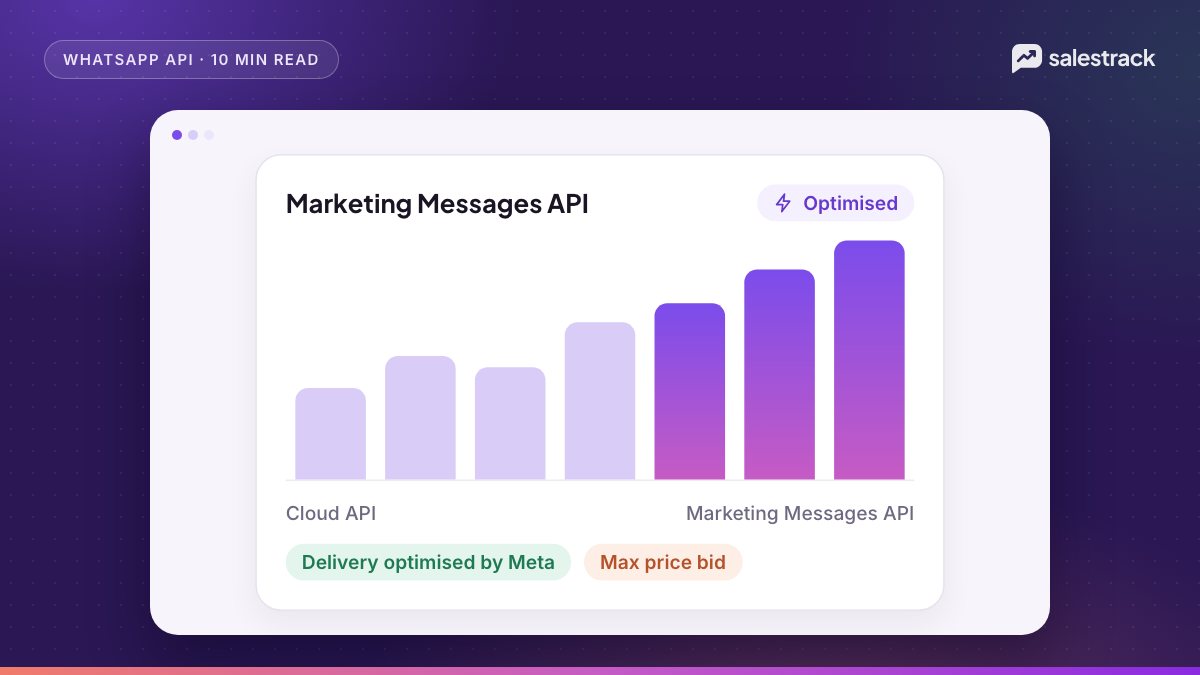
Meta's stated goal is to deliver more of the marketing messages people are likely to find relevant. In a test Meta describes, using about 12 million marketing messages sent by advertisers in India in January 2025, optimised delivery delivered up to 9% more high-engagement messages than standard Cloud API delivery, according to its features page.
The timeline
| Date | What happens |
|---|---|
| 19 November 2025 | Marketing Messages API for WhatsApp goes to general availability |
| 13 October 2026 | Meta announces the sunset of marketing messages on Cloud API |
| 13 April 2027 | New Messaging accounts created from this date cannot send marketing messages via Cloud API |
| 13 October 2027 | Cloud API stops supporting marketing messages; sending one returns an error |
Marketing Messages API vs sending marketing on Cloud API
| Feature | Marketing Messages API | Cloud API |
|---|---|---|
| Quality-based delivery (more delivery for high-engagement messages) | Yes | No |
| Automated creative optimisations (image and text tweaks) | Pilot | No |
| GIF header on marketing templates | Yes | No |
| Android app deep links | Yes | No |
| Time-to-live on marketing messages | Yes, 12 hours to 30 days | Utility and authentication only |
| Benchmarks and recommendations | Yes | No |
| Conversion metrics (add to cart, checkout, purchase) | Yes | No |
| Sent, delivered, read, clicked; cost per delivery | Yes | Yes |
| Max price (bid cap) per message | Yes, in beta | No |
Time-to-live is useful for sales teams. A "today only" offer that cannot be delivered until tomorrow does more harm than good, and a TTL lets it expire instead.
Eligibility and onboarding
According to Meta's onboarding guide, you need:
- An active WhatsApp Business account that is not restricted for policy violations.
- A business and tax country outside sanctioned regions.
- Compliance with the WhatsApp Business Messaging Policy, including country-specific vertical rules.
- A phone number already registered on Cloud API. No new number, verification or template re-creation is needed.
The steps:
- Check eligibility. Developers can read the
marketing_messages_onboarding_statusfield on the WhatsApp Business account;ELIGIBLEmeans you can onboard,ONBOARDEDmeans you already have. - Accept the Terms of Service. If you use a provider, a business portfolio admin opens WhatsApp Manager, goes to Overview, and clicks "Accept terms" in the Alerts section. Direct integrators accept from the App Dashboard Quickstart panel.
- Send marketing templates to the new endpoint. Your existing approved marketing templates work. Status webhooks show the category
marketing_lite. - Route reclassified templates. If Meta moves a utility template into the marketing category, your integration must send it through the Marketing Messages API.
When you onboard, Meta creates linked read-only ad accounts so you can pull results from the Insights API, and message events (delivered, read, clicked) are shared with Meta to optimise delivery. You can turn that sharing off in WhatsApp Business account settings or per message, though doing so may limit optimisation. Meta says most integrations take about two weeks to go live.
Pricing: same rates as Cloud API
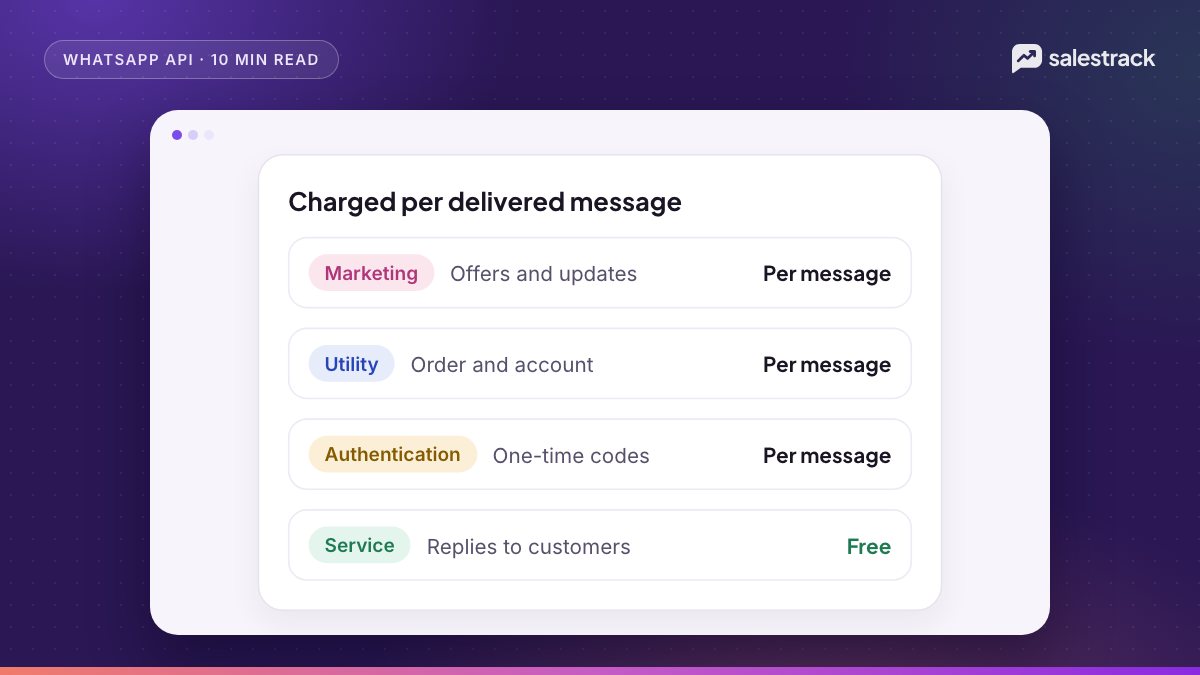
Meta says the Marketing Messages API uses "the same billing model as Cloud API". Its October 2026 rate card states that marketing rates apply across Cloud API and the Marketing Messages Lite API. So a standard marketing message costs the same per-message rate on Meta's official rate card whichever API sends it. Messages inside a free entry point window from a Click-to-WhatsApp ad are free on both.
The difference is optional. If you set a max price, the cost per message can vary, up to your cap. Current rates for each market are in our WhatsApp Business API pricing guide.
Max price and the template bid_amount
Yes, WhatsApp now has bidding for marketing messages. On the max price page, Meta describes it as "a bid cap, not a budget": you set the most you will pay per delivered marketing message, and Meta charges that price or less.
Rollout
- Limited beta from 15 May 2026: partners and direct businesses could use it for a limited number of clients.
- Open beta from October 2026: partners can enable it for all their clients. A business signs a one-time max price beta agreement for its business portfolio; from 1 October 2026, partner clients no longer need separate allowlisting.
- General availability in Q2 2027: Meta says max price will become required in eligible geographies, and fixed, published marketing rates will then only apply on Cloud API.
How the bid is set
The max price lives on the template, in an optimization_spec object (which replaced the older bid_spec from 18 June 2026; bid_spec was accepted until 31 July 2026):
bid_amount: your maximum price per 1,000 deliveries, in the smallest unit of your account currency (paise for INR, cents for USD).bid_strategy: must beLOWEST_COST_WITH_BID_CAP, the only supported value.bid_country_multiplier_overrides(optional): a multiplier per destination country, up to 240 entries, each above 0 and at most 10. Countries not listed use 1.0.
Meta's own conversion examples: a max price of INR 0.87 per message is 87 paise × 1,000 = bid_amount 87000. A max price of USD 0.05 is 5 cents × 1,000 = 5000. With a bid_amount of 1000 and an India multiplier of 1.2, the effective bid for Indian recipients is 1,200.
At send time you can also pass a per_message_bid_multiplier to raise or lower the cap for one message without editing the template. Meta's advice is to set the template's bid_amount at the highest price you would accept and scale individual messages down. Leave out optimization_spec and the template simply uses rate card pricing.
When to bid above or below the rate card
Meta suggests three uses: bid at the rate card to cut costs while keeping similar delivery, bid below it to reach more people at lower cost, and bid above it to push delivery during peaks such as festive sales. Before scaling, it recommends a four-arm test of 10,000 sends each: no max price, max price at rate card, 1.5 times rate card (1.2 times for India and Saudi Arabia), and 0.9 times rate card. A reach estimation endpoint returns estimated deliveries and cost at different bid levels from your recent history.
Max price is a beta feature. Meta warns that performance may vary while its systems learn, and that bid values can take up to an hour to apply after an update.
What small teams should do now
- Ask your provider whether it sends marketing templates through the Marketing Messages API yet, and its plan before 13 October 2027.
- Accept the Terms of Service in WhatsApp Manager if your provider asks you to. It takes a few minutes and changes nothing else on your number.
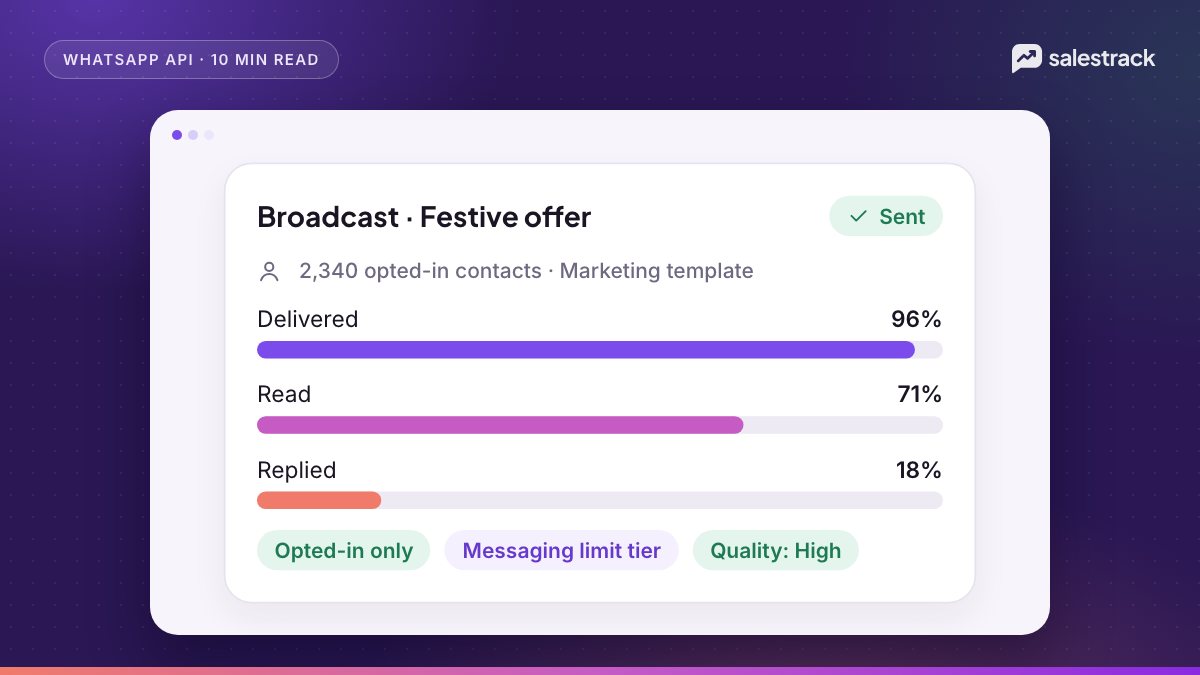
- Keep marketing lists clean. Quality-based delivery rewards messages people read and click. Opted-in, segmented audiences matter more than ever. See our broadcast guidelines.
- Leave bidding until you have a baseline. Know your current delivery and read rates at rate card before testing bids.
salestrack CRM by Dentobees sends WhatsApp broadcasts on the official WhatsApp Business API, to opted-in segments only, with a guided template builder, the wallet cost shown before you send, and delivered, read, replied and failed results afterwards. Replies land in the shared inbox with an owner, and the Marketing ROI report in reports shows which campaigns brought customers. Plans and wallet pricing are on the pricing page.
FAQ
What is MM Lite API on WhatsApp?
MM Lite (Marketing Messages Lite API) was the early name for what Meta now calls the Marketing Messages API for WhatsApp. It sends marketing templates with delivery optimisation, extra formats and richer metrics, over the same phone number you use on Cloud API.
Is the Marketing Messages API more expensive than Cloud API?
No. Meta says it uses the same billing model as Cloud API, and its rate card states that marketing rates apply across both. The only difference is optional: if you set a max price, Meta charges that price or less per delivered message.
When will Cloud API stop sending marketing messages?
Meta will stop supporting marketing messages on Cloud API on 13 October 2027. Messaging accounts created on or after 13 April 2027 cannot send marketing messages via Cloud API at all. Utility, authentication and service messages stay on Cloud API.
Does WhatsApp have a bid amount for marketing templates?
Yes, on the Marketing Messages API. A template can carry an optimization_spec with a bid_amount, which is the maximum price per 1,000 delivered messages in your currency's smallest unit, with bid_strategy set to LOWEST_COST_WITH_BID_CAP. It is in open beta from October 2026.
Does the Marketing Messages API work in the UK, Nigeria or South Africa?
You can use it, but Meta does not apply delivery optimisation or click and conversion reporting for messages sent from or to numbers in the EEA, UK, Japan, South Korea, Nigeria, South Africa or Thailand.
Do I need a new phone number for the Marketing Messages API?
No. The number must already be registered on Cloud API. Onboarding adds no new numbers and needs no template re-creation; you accept the Terms of Service and send marketing templates to a different endpoint.
Sources
Facts in this article were checked against these sources on 1 November 2026. WhatsApp and Meta change their rules and prices often, so check the source before you rely on a number.
- What is the Marketing Messages API for WhatsApp — Meta for Developers
- Marketing Messages API features vs Cloud API — Meta for Developers
- Marketing Messages API: get started and geographic availability — Meta for Developers
- Marketing Messages API: onboarding — Meta for Developers
- Marketing Messages API: set a max price — Meta for Developers
- Marketing Messages API: enroll in max price — Meta for Developers
- Pricing on the WhatsApp Business Platform — Meta for Developers