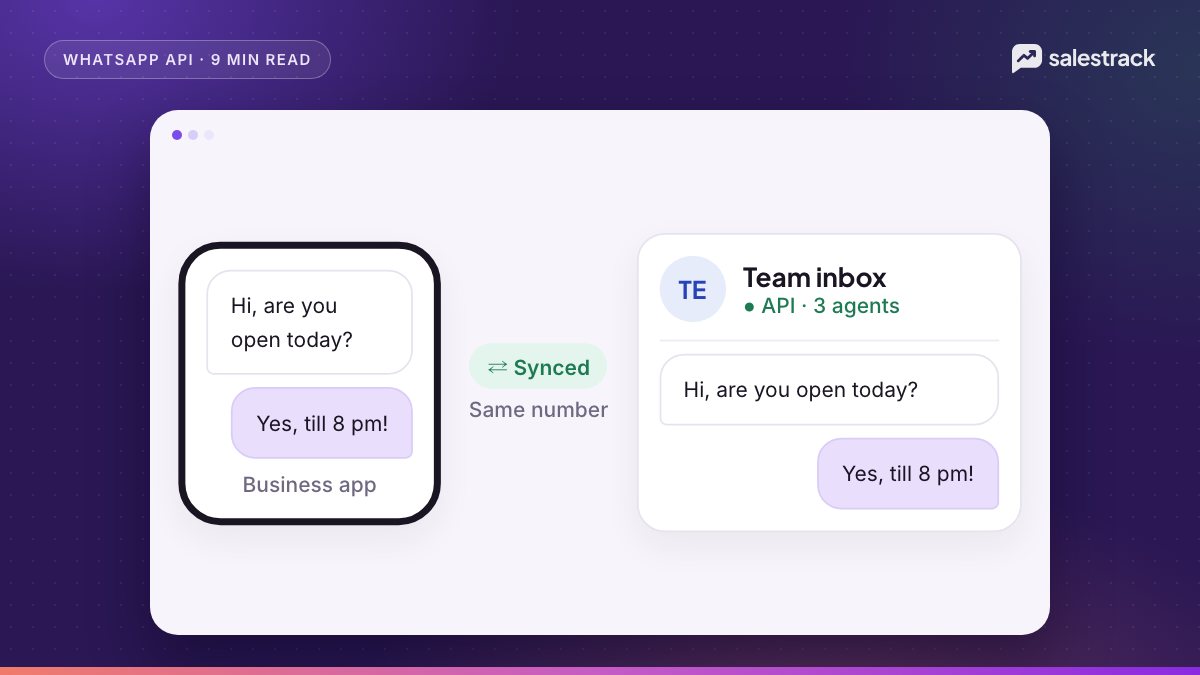
WhatsApp coexistence lets you connect the number you already use in the WhatsApp Business app to the WhatsApp Cloud API, and keep using the app on your phone. After setup, the same number works in two places: the app, for quick one-to-one replies, and an API-based tool, for a shared team inbox, automation and template broadcasts. Messages are mirrored between both, so the owner on the phone and the team on the computer see the same chat.
You set it up through Meta's embedded signup inside a WhatsApp provider. Your contacts and up to the last 6 months of one-to-one chats can be synced. Messages you send from the app stay free. Messages sent through the API are billed at normal Cloud API rates. In return, a few app features switch off, including broadcast lists, disappearing messages and live location, and the number is capped at 20 messages per second.
This guide covers who it suits, the exact setup steps, what changes in the app, how billing works after the October 2026 pricing changes, and the mistakes that force businesses to redo onboarding. Everything here was checked against Meta's coexistence documentation on 1 November 2026.
What WhatsApp coexistence is and who it suits
Before coexistence, moving to the API meant deleting the number from the app. You lost the phone experience, and many owners refused to switch because customers, suppliers and staff all knew that number. Meta's documentation now describes an option in embedded signup that lets a business "onboard using their existing WhatsApp Business app account and phone number", then send high volumes through the API while still messaging one-to-one from the app.
Behind the scenes, Meta converts the existing WhatsApp Business account into a Messaging account that keeps the same account ID. The number is not re-registered, so there is no new number and no downtime.
Coexistence is a good fit when:
- The owner or a senior person wants to keep replying from their phone, but a team also needs to work the same chats.
- Your number is printed on boards, visiting cards, Google Business Profile and old ads, so changing it is not realistic.
- You run Click-to-WhatsApp ads and need every ad chat captured, assigned and followed up, not lost in one phone.
- You want template broadcasts and automated follow-ups, which the app cannot do at scale.
It is a weaker fit if you plan to use the newer API features on that number. Meta's Groups API says groups are not available for WhatsApp Business app phone numbers, and the Calling API requires a number "in use with Cloud API (not the WhatsApp Business app)". If calling or groups through the API matter to you, use a separate API-only number for those.
How to set up WhatsApp coexistence with embedded signup
You cannot switch coexistence on by yourself inside the app. It is started from a provider that is a Meta Solution Partner or Tech Provider and has enabled the Business app onboarding option in embedded signup. Meta also requires WhatsApp Business app version 2.24.17 or higher.
- Update the app. Make sure the WhatsApp Business app on the primary phone is up to date and the phone is online.
- Start embedded signup from your provider. Log in with the Facebook account that has admin access to your Meta business portfolio. Choose the option to connect your existing WhatsApp Business app account and enter the number.
- Confirm in the app. You receive a message from the official Facebook Business account in WhatsApp. Tap Connect, then Connect to the Business Platform.
- Decide on chat history. The app asks whether to share chat history with the provider. If you tap Confirm, past one-to-one chats can be synced.
- Enter the verification code shown in the app back in the signup window, and finish the flow.
- Keep the app open while syncing. Meta gives the provider 24 hours to sync contacts and history. Syncing can take several minutes depending on history size and internet speed.
After onboarding, the app refreshes and shows that the number is connected to the Business Platform. All linked companion devices are unlinked at this point. You can re-link supported ones afterwards, but WhatsApp for Windows and WhatsApp for WearOS are not supported with coexistence.
What syncs and what stops working in the app
This is the part most owners ask about first. Meta's feature comparison table is clear about what moves to the API and what changes on the phone.
| Feature | In the app after onboarding | On the Cloud API side |
|---|---|---|
| One-to-one chats | Keep working. Edit and delete now supported | Last 6 months can be synced. New messages mirrored both ways |
| Contacts | No change | All contacts with a WhatsApp number can be synced |
| Group chats | No change | Not synced, not supported |
| Broadcast lists | Disabled. Existing lists become read-only | Not supported (use templates instead) |
| Disappearing and view-once messages | Turned off for one-to-one chats | Not supported |
| Live location | Disabled for one-to-one chats | Not supported |
| Voice and video calls | No change | Not supported |
| Catalog, orders, status | No change | Not supported |
| Labels, quick replies, greeting and away messages | No change | Not supported |
Two details matter for day-to-day work. First, media in synced history only comes with downloadable media IDs for files sent within 14 days of onboarding, so older photos and PDFs may not appear in your new tool. Second, labels and quick replies stay inside the app. If your team relies on labels to track leads, you will need to rebuild that as stages or tags in your CRM.
Pricing: free app messages vs charged API messages
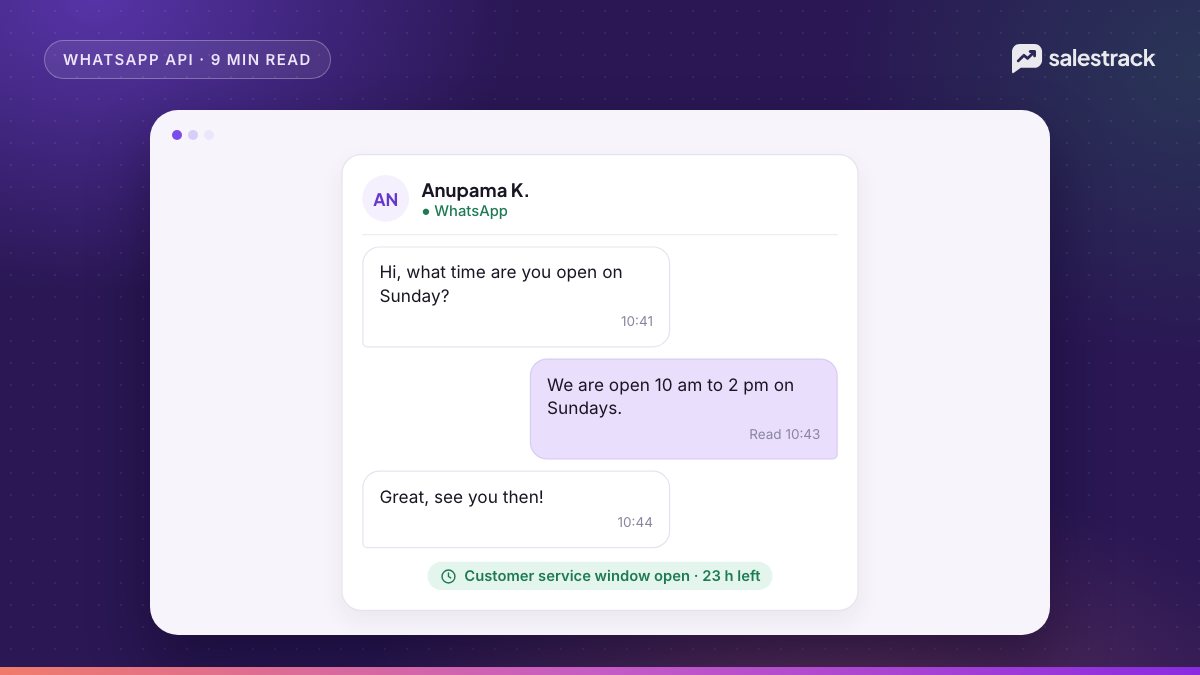
Meta's rule is simple. After onboarding, "messages sent by the business via the WhatsApp Business app will continue to be free", while messages sent through the Cloud API follow Cloud API pricing. Messages from the app also do not open, extend or affect API customer service windows.
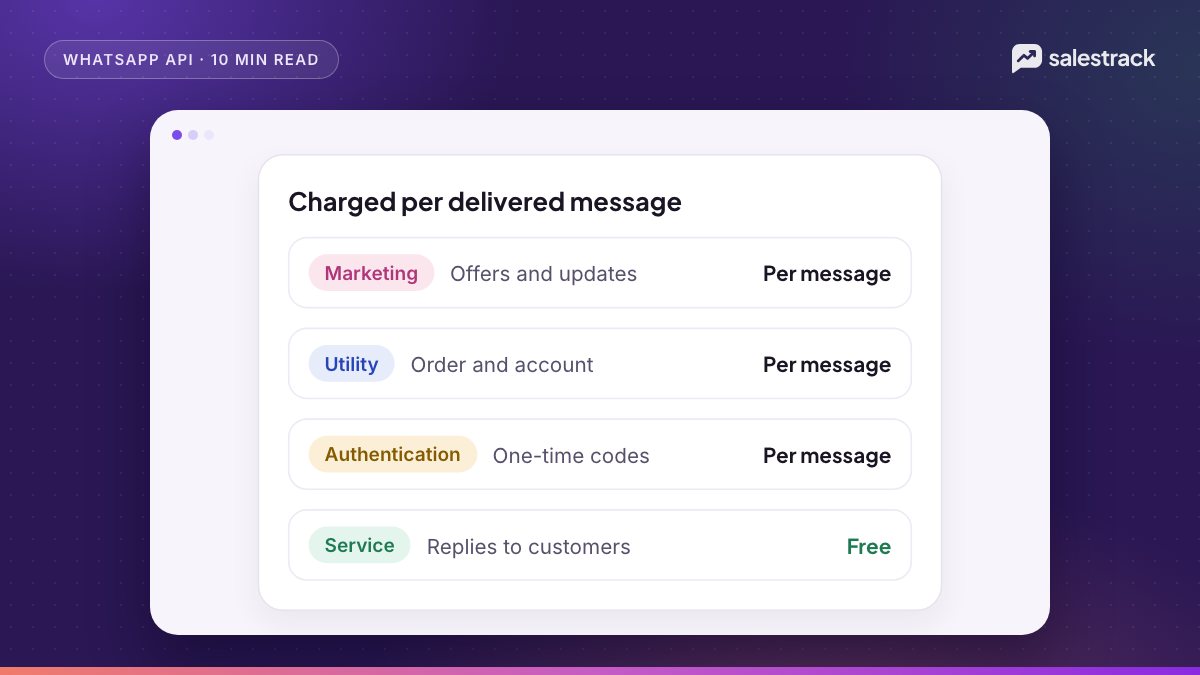
Cloud API pricing has been per message since 1 July 2025. You pay per delivered template message by category (marketing, utility, authentication) and by the recipient's country code. Two changes from 1 October 2026 matter for coexistence users:
- Service messages are charged again. Each business phone number gets 1,000 free service (non-template) messages a month. From the 1,001st, Meta charges per message.
- Utility templates inside an open 24-hour window are charged. They were free from July 2025 to September 2026.
Messages a customer sends you are free. Replies inside a free entry point window, which opens when someone messages you from a Click-to-WhatsApp ad and you reply, are also free. Meta's pricing page says that window can stay open for up to 7 days. Rates vary by market and currency, so check the official rate card rather than any number you see in a blog post. For a full breakdown, see our guide to WhatsApp Business API pricing and how the free service window works.
Providers receive app-sent messages through a webhook called smb_message_echoes, and Meta says partners must show them in the conversation history. So a good coexistence inbox shows replies sent from the phone alongside replies sent from the computer.
Throughput, messaging limits and country availability
Throughput is fixed at 20 messages per second
To stay compatible with the app, Meta says numbers in use with both the app and the Cloud API "have a fixed throughput of 20 mps". API-only numbers can scale higher. For most small and mid-size businesses, 20 per second is plenty: a 5,000-contact broadcast still goes out in a few minutes. It matters only if you send very large campaigns or time-critical alerts.
Messaging limits still apply to templates
Coexistence does not bypass messaging limits. Since October 2025 these are set per business portfolio, not per number. A new portfolio starts at 250 unique recipients for business-initiated messages in a moving 24-hour window. You can move to 2,000 by verifying your business or by sending 2,000 high-quality template messages in 30 days, and Meta then scales you to 10,000, 100,000 and unlimited automatically. Our guide to WhatsApp Business verification covers the verification route.
Country availability
The current Meta coexistence page does not list country exclusions. The only hard restrictions in Meta's support documentation are the platform-wide ones: Cuba, Iran, North Korea, Syria and the sanctioned regions of Ukraine. Earlier in 2025 and 2026, some markets were listed as unsupported for coexistence and later opened up. If your number is not Indian, Gulf or UK-based, confirm with your provider before you plan around it.
Common coexistence pitfalls and how to avoid them
Most failed setups come from the same handful of issues.
- Letting the primary phone go quiet. Meta disconnects the number from the API if the primary device is inactive for about 14 days, or a companion device for about 30 days. Open WhatsApp on the main phone regularly, especially over long holidays.
- Reinstalling or moving the app to a new phone. Re-registering on a new device, changing number or registering the number in the consumer WhatsApp app all disconnect the API. Plan phone changes with your provider.
- Missing the 24-hour sync. Covered above. Contact and history sync can each be done only once. Redoing it means offboarding and starting again.
- Expecting old messages to open a reply window. If a customer wrote to you just before onboarding, no API service window exists for them. The team can only reply with a template until that customer writes again.
- Using WhatsApp for Windows. It is not a supported companion. Messages viewed there show placeholder text, and messages sent to you from unsupported companion devices do not reach your API tool.
- An old provider's credit line. If you used another provider before and still share their credit line, Meta warns you may see an error when switching. Ask the old provider to release it first.
- Two people replying to the same chat. With the owner on the phone and a rep in the inbox, double replies happen. Agree a simple rule, for example the inbox owns all ad leads and the phone handles existing customers only.
To turn coexistence off, the business goes to Settings, Account, Business Platform in the app and taps Disconnect Account. Providers cannot use the normal deregister API on a coexistence number.
Using coexistence with salestrack
salestrack connects WhatsApp through Meta's embedded signup on the official WhatsApp Business API, and supports coexistence, so the same number keeps working in the WhatsApp Business app on your phone and in the salestrack shared inbox at the same time. Each chat is linked to a lead, a pipeline stage and the ad it came from, and lead assignment rules decide which rep owns it. Starter includes one number, Growth includes more, and extra numbers are $10 a month each. If you want help with Meta setup, the optional guided setup on the pricing page covers business verification, number onboarding and team training.
FAQ
What is WhatsApp coexistence?
Coexistence lets a business connect its existing WhatsApp Business app number to the WhatsApp Cloud API without losing the app. The same number then works on the phone and in an API-based tool such as a team inbox, and messages are mirrored between the two.
Will I lose my old WhatsApp chats if I enable coexistence?
No. Your chats stay in the app. If you agree to share history during setup, your provider can also sync up to the most recent 6 months of one-to-one chats and your WhatsApp contacts into its system. Group chats are not synced.
Are messages sent from the WhatsApp Business app still free after coexistence?
Yes. Meta says messages sent from the WhatsApp Business app remain free after onboarding. Only messages sent through the Cloud API are billed under Cloud API pricing.
Can I still use broadcast lists in the app after coexistence?
No. Broadcast lists are disabled after onboarding and existing lists become read-only. Bulk sending has to move to approved template messages sent through the API.
How do I turn coexistence off?
Open the WhatsApp Business app and go to Settings, Account, Business Platform, then tap Disconnect Account. The number goes back to app-only use. Your provider cannot deregister it from the API side.
Which countries support WhatsApp coexistence?
Meta's current coexistence documentation does not list any country exclusions beyond the general WhatsApp Business Platform sanctions list. Earlier versions excluded some markets, so confirm with your provider if your number is outside your home market.
Sources
Facts in this article were checked against these sources on 1 November 2026. WhatsApp and Meta change their rules and prices often, so check the source before you rely on a number.
- Onboard WhatsApp Business app users (Coexistence) — Meta for Developers
- Pricing on the WhatsApp Business Platform — Meta for Developers
- WhatsApp Business Platform pricing and rate cards — WhatsApp Business
- Messaging limits — Meta for Developers
- Support and country restrictions — Meta for Developers
- Groups API overview — Meta for Developers
- Cloud API Calling overview — Meta for Developers