The WhatsApp Groups API lets a business create WhatsApp groups from its Cloud API number, invite customers with a link, and send and receive group messages through software. It is built for small working groups, not communities: Meta caps each group at 8 participants, and a business number can run up to 10,000 groups.
As of November 2026, Meta says the Groups API is open to all businesses with an Official Business Account (OBA), the blue-tick status for API numbers. It is not available for WhatsApp Business app numbers or numbers using coexistence. Pricing follows normal per-message rates, with one twist: you pay for each delivery to each member, so a billable message to a group of 5 costs the same as 5 one-to-one messages.
This guide explains how it works, the exact limits from Meta's Groups API documentation, what it costs, and where it is worth using for sales and support teams.
How the WhatsApp Groups API works
Groups on the Cloud API are invite-only. You cannot add a customer directly. The flow looks like this:
- Create the group with a subject (up to 128 characters) and an optional description (up to 2,048 characters). Your business number is added as creator and admin.
- Receive the invite link in a
group_lifecycle_updatewebhook once the group is created. - Send the invite. Use the group invite link template from Meta's Template Library, or send the link inside an open one-to-one chat. You can also write your own marketing template.
- The customer decides. The link shows the group details, and the customer chooses whether to join. If you enable join approval, they send a request that you approve or reject through the API.
- Start messaging. When someone joins, a
group_participants_updatewebhook fires and you can send messages to the group ID.
Your business can also get group info, list active groups, update the subject, description and photo, reset the invite link (which invalidates old links), remove participants, pin messages and mark group messages as read. Deleting a group stops everyone, including you, from messaging it.
Eligibility and technical requirements
Meta's get started guide lists what you need:
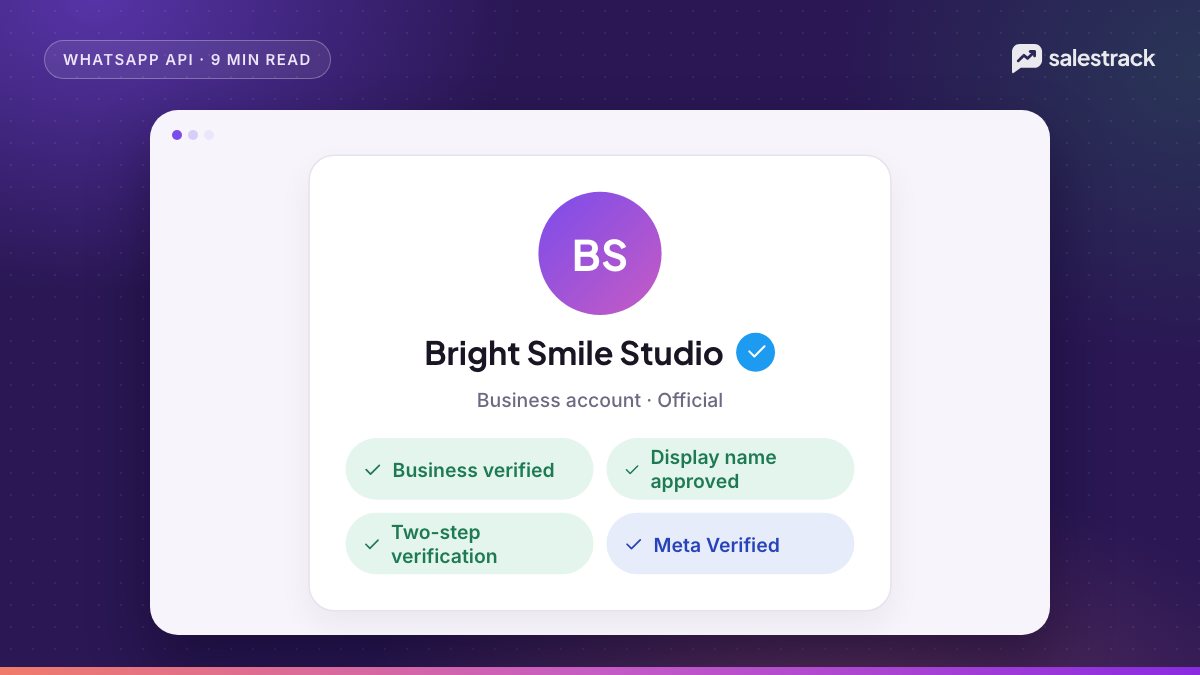
- Official Business Account status on the number. OBA requires Meta business verification, an approved display name, two-step verification and at least 30 days on the platform. Our guide to WhatsApp Business verification and the blue tick covers the steps.
- A Cloud API number, not a WhatsApp Business app number. Groups are not available for numbers onboarded through WhatsApp coexistence or Multi-solution Conversations.
- Webhooks subscribed to
group_lifecycle_update,group_participants_update,group_settings_updateandgroup_status_update. - An app with the
whatsapp_business_messagingpermission for that number.
Meta's FAQ says Groups is available in all countries where the Cloud API is available.
Groups API limits and what is not supported
| Item | Limit or rule |
|---|---|
| Participants per group | 8 maximum |
| Groups per business number | 10,000 |
| Cloud API businesses per group | 1 |
| Message types supported | Text, media, text-based templates and media-based templates |
| Not supported | Calling, disappearing and view-once messages, authentication templates, commerce messages, interactive messages |
| Actions not supported | Editing or deleting sent messages, hiding the participant list |
| Template analytics | Performance metrics are not available for templates used in groups |
Two of these limits shape how you use the feature. Interactive messages are not supported, so no reply buttons or list menus inside groups. And only one Cloud API business can sit in a group, so you cannot build a shared group between two companies' API numbers.
WhatsApp Groups API pricing
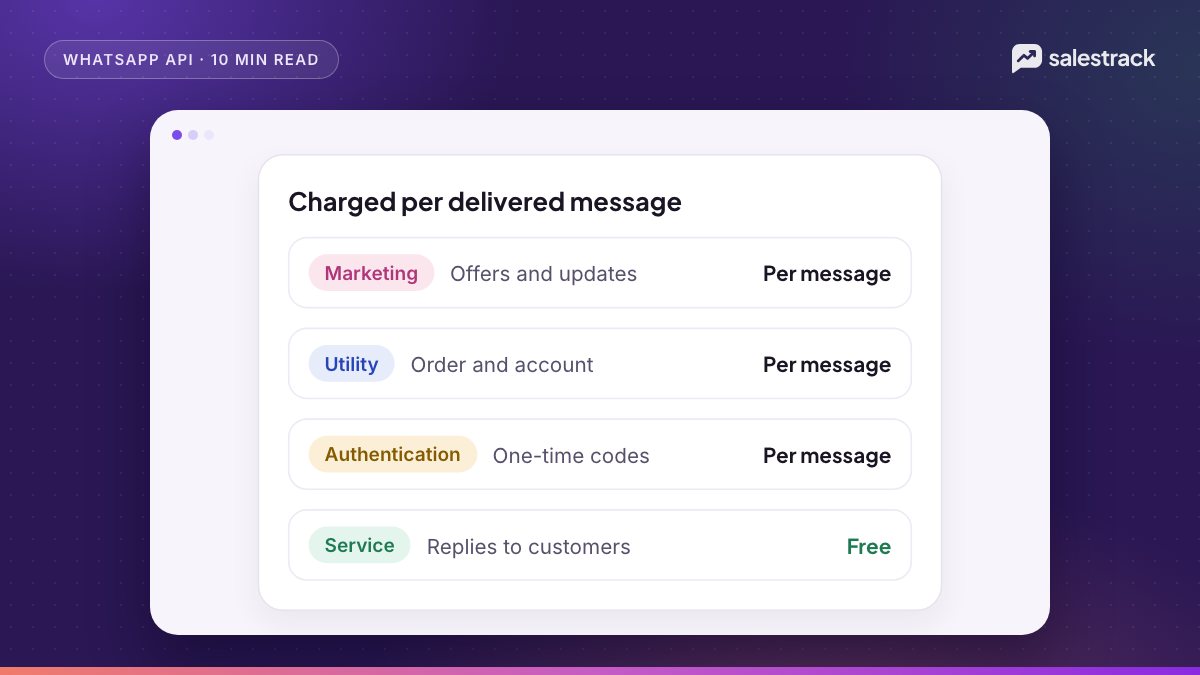
Meta's Groups pricing page says the Groups API uses the same per-message pricing as one-to-one messaging, but "you are charged each time a billable message is delivered to someone in the group". Rates are the same as one-to-one rates and depend on each member's country code.
For example, if you send a marketing template to a group of 5 and it is delivered to 4 of them, you pay for 4 marketing messages. If two members have Indian numbers and two have UAE numbers, each is charged at its own country rate.
Customer service windows in groups
Group service windows work differently from one-to-one chats. When any member of the group messages you, a customer service window opens (or refreshes) between you and the whole group. From 1 October 2026:
- Marketing templates sent to a group are charged per delivery.
- Utility templates are charged per delivery, including inside an open group service window.
- Non-template (service) messages are free while your number is within its monthly free tier of 1,000 service messages, then charged per delivery.
Group utility messages are not eligible for volume tier discounts. For current rates in INR, AED, SAR and other currencies, use the official rate card, and see our WhatsApp Business API pricing guide for how categories work.
Use cases for sales and support teams
An 8-person cap rules out community broadcasts. It suits small deal rooms where a customer, the people who influence their decision and your team need one thread. Some realistic examples:
- Real estate. For example, a developer could create a group for a buyer, their spouse, the sales executive and the home loan advisor, so documents and site visit updates go to everyone at once.
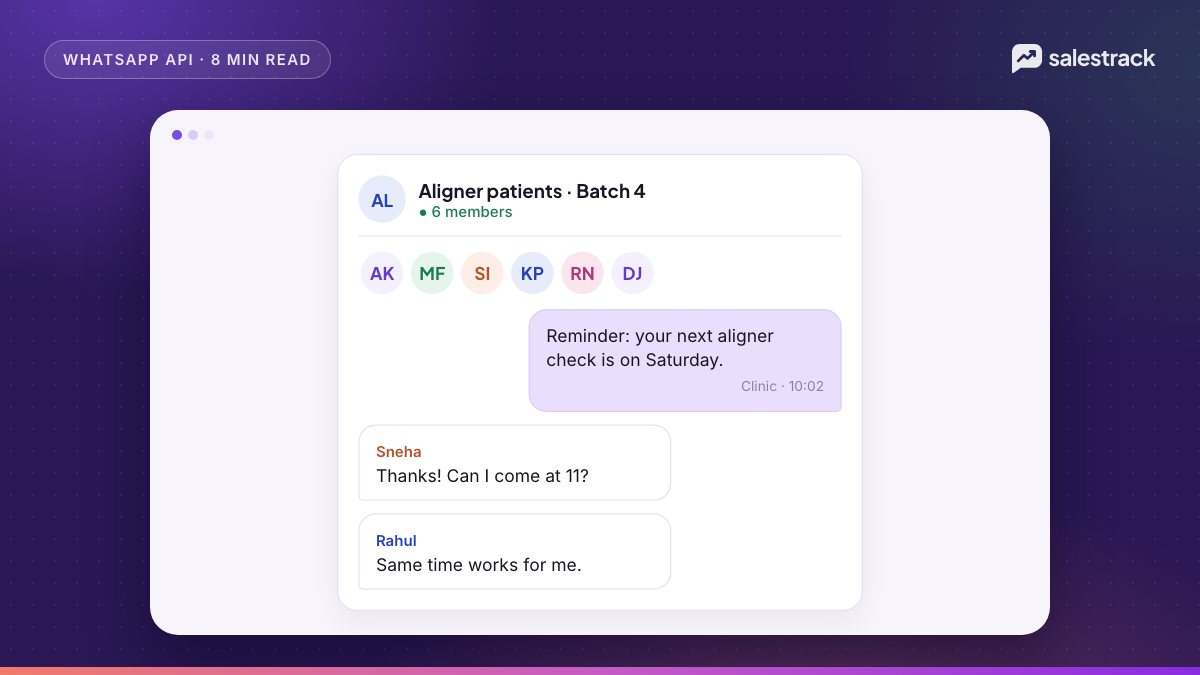
- Dental and medical clinics. For example, a clinic could run a group for a treatment plan with the patient, a parent and the treatment coordinator for scheduling and pre-visit instructions.
- Education. For example, an admissions team could use a group with the student, a parent and the counsellor to share fee details and application deadlines.
- B2B and interiors. For example, a project group with the client, their site manager, your designer and your project lead to share drawings and approvals.
- Escalated support. A temporary group with the customer, the support agent and a technical specialist, closed when the issue is resolved.
In each case, the business controls the group from its official number, the history stays with the company instead of a rep's personal phone, and nobody has to share personal numbers.
Limitations and when to use something else
The Groups API is useful, but it is narrow. Before you build around it, consider:
- OBA is required. If Meta has not granted your number OBA status, you cannot use groups at all.
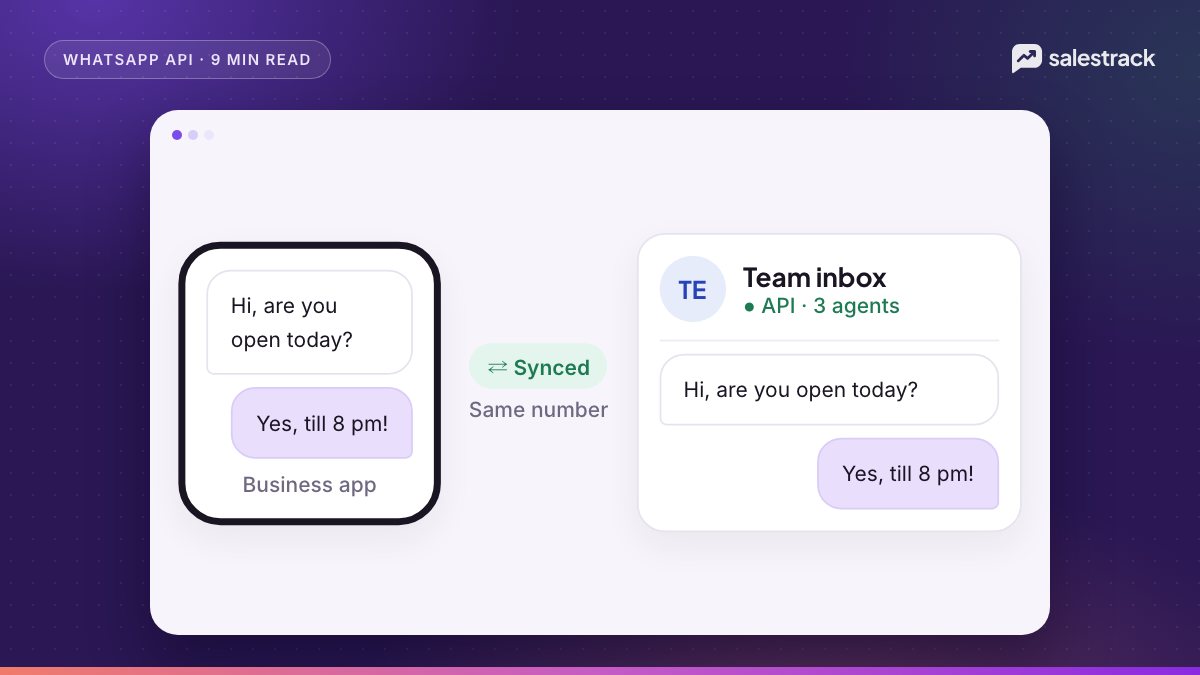
- No coexistence. If your team works on a number shared with the WhatsApp Business app, groups need a separate API-only number.
- Small groups only. For announcements to hundreds of opted-in customers, a template broadcast is the right tool. See our broadcast guidelines.
- No buttons or calls. Interactive messages and calling are not supported in groups, so booking flows and quick-reply menus stay in one-to-one chats.
- Cost scales with members. Every billable message is charged per delivered member.
- Old groups are not imported. Groups created on a phone are separate. Even with coexistence, Meta does not sync group chats to the API.
For most lead-handling work, one-to-one chats with a clear owner remain the default. Groups add value at the point where several decision-makers need the same information.
Where salestrack fits
salestrack's product pages do not list Groups API support, so treat this article as platform guidance. What salestrack does provide on the official WhatsApp Business API is a shared one-to-one inbox where every chat has an owner and is linked to a lead and its ad source, automated follow-ups, and template broadcasts to opted-in segments, which covers the larger-audience messaging that groups cannot.
FAQ
What is the WhatsApp Groups API?
It is part of the WhatsApp Cloud API that lets a business create groups, share an invite link, and send and receive group messages from its business number through software instead of a phone.
How many people can join a WhatsApp Groups API group?
Meta lists a maximum of 8 participants per group. A business number can create up to 10,000 groups, and only one Cloud API business can be in each group.
Who is eligible for the WhatsApp Groups API?
Meta says the Groups API is open to businesses whose number has Official Business Account status. It is not available for WhatsApp Business app numbers, including numbers using coexistence.
How is the WhatsApp Groups API priced?
It uses normal per-message pricing, but you are charged for each delivery to each group member. A billable marketing template delivered to 5 members counts as 5 billable messages at each member's country rate.
Can I add customers to a WhatsApp group directly through the API?
No. Groups are invite-only. You send an invite link, usually with an approved template, and the customer chooses to join. You can also require approval for join requests.
Can I use the Groups API for large community broadcasts?
No. With a limit of 8 participants, it is built for small working groups such as a customer, their family and your team. Use template broadcasts to reach large opted-in lists.
Sources
Facts in this article were checked against these sources on 1 November 2026. WhatsApp and Meta change their rules and prices often, so check the source before you rely on a number.
- Groups API overview — Meta for Developers
- Get started with Groups API — Meta for Developers
- Group management reference — Meta for Developers
- Group messaging — Meta for Developers
- Groups API pricing — Meta for Developers
- Groups API FAQ — Meta for Developers
- Official Business Accounts — Meta for Developers
- WhatsApp Business Platform pricing and rate cards — WhatsApp Business