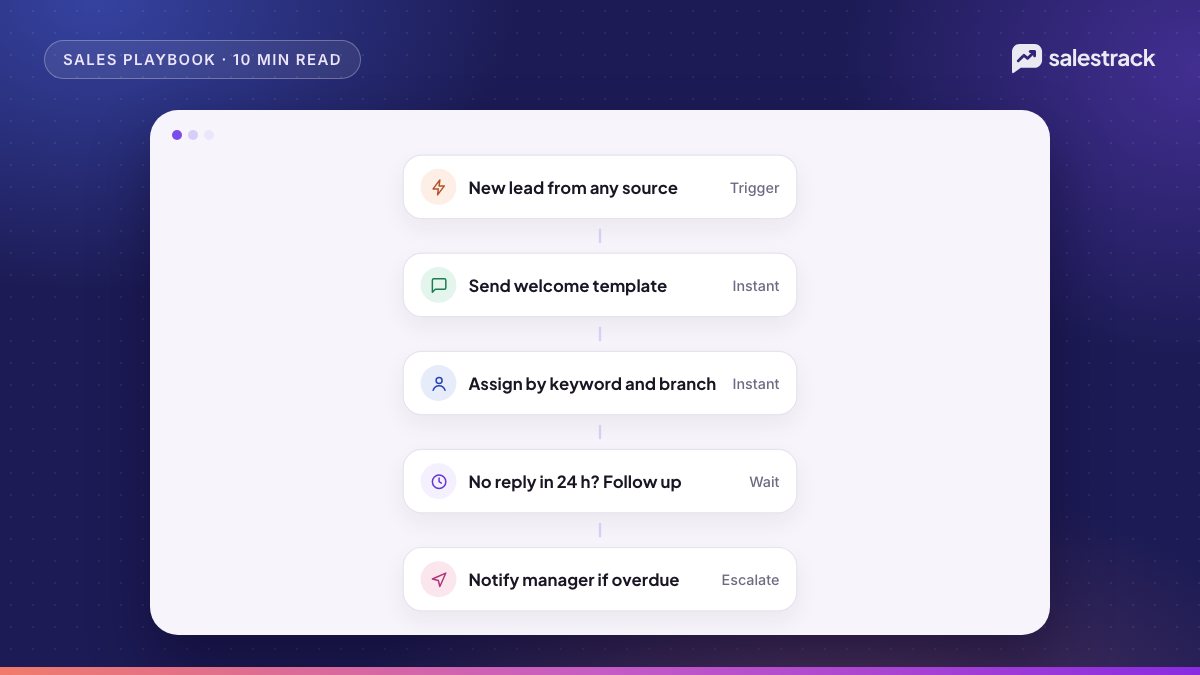
Sales automation workflows are rules that run on their own: when something happens to a lead, the system sends a message, assigns an owner, creates a task or alerts a manager, and stops when a condition is met. For WhatsApp sales teams handling Meta ad leads, the workflows that matter most are the instant first reply, automatic assignment with a reassign timer, follow-up sequences, appointment reminders, no-show recovery, re-engagement broadcasts and daily reports to managers.
The aim is not to replace salespeople. It is to make sure every lead gets a fast reply, an owner and a next step, so your people spend their time on conversations that can close.
Below are ten workflows with a trigger, an action and a stop rule for each, followed by what to keep human and the WhatsApp rules that apply to all of them.
How a sales automation workflow is built
Every useful workflow has four parts. Write them down before you build anything.
- Trigger: the event that starts it. A new lead, a stage change, no reply for X hours, an appointment time, a date.
- Conditions: who it applies to. Source, campaign, branch, stage, tag, opted in or not.
- Actions: what happens. Send a WhatsApp message, assign, create a task, change a stage, notify someone.
- Stop rule: when it ends. Reply received, stage changed, opt-out, booked, or a time limit.
Most automation problems come from a missing stop rule. A follow-up that keeps sending after the lead has booked is worse than no follow-up.
10 sales automation workflows to set up
| # | Workflow | Trigger | Stops when |
|---|---|---|---|
| 1 | Instant first reply | New lead | Sent once |
| 2 | Assignment and reassign timer | New lead | Owner makes contact |
| 3 | After-hours reply | New lead outside office hours | Morning queue worked |
| 4 | New-lead follow-up sequence | No reply after first message | Reply, booking or opt-out |
| 5 | Follow-up reminders for salespeople | Promised call-back date | Task done |
| 6 | Stage-based messages | Stage changes | Next stage |
| 7 | Appointment reminders | Visit or consult booked | Visit happens or is cancelled |
| 8 | No-show recovery | Appointment marked no-show | Rebooked or closed |
| 9 | Re-engagement broadcast | Date or segment rule | Reply or opt-out |
| 10 | Manager reports and alerts | Schedule or threshold | Ongoing |
1. Instant first reply
When a lead arrives, send a WhatsApp message within seconds. For lead form leads this must be an approved template, because the person has not messaged you yet. For Click-to-WhatsApp chats it can be a free-form reply. Thank them, name the person who will help, and ask one easy question. This is the single biggest lever for speed to lead.
2. Assignment with a reassign timer
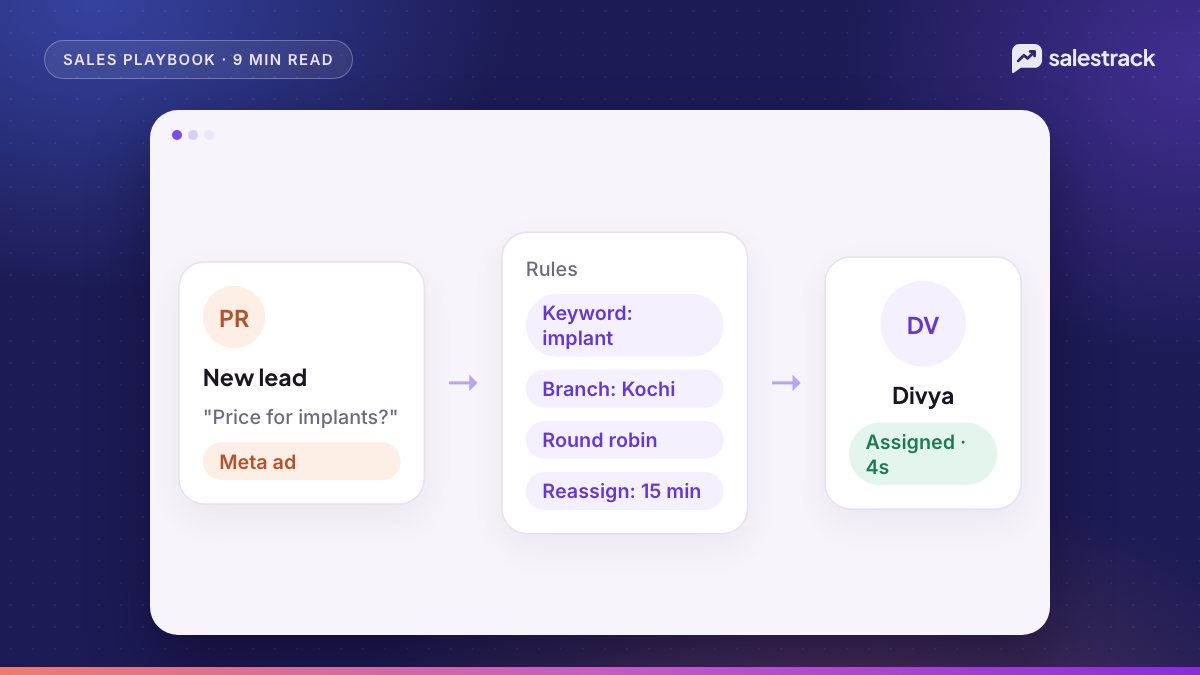
Assign every lead to one person using rules by campaign, keyword, branch, language or round robin. If the owner has not contacted the lead within 10 to 15 minutes, move it to the next person and alert the manager. Details are in our guide to lead assignment rules.
3. After-hours reply
Outside office hours, send a reply with a concrete next step: a booking link, the brochure, or "Divya will call at 10 am". If you use an AI agent, let it answer common questions and qualify. In the morning, every overnight lead is in one queue with an owner.
4. New-lead follow-up sequence
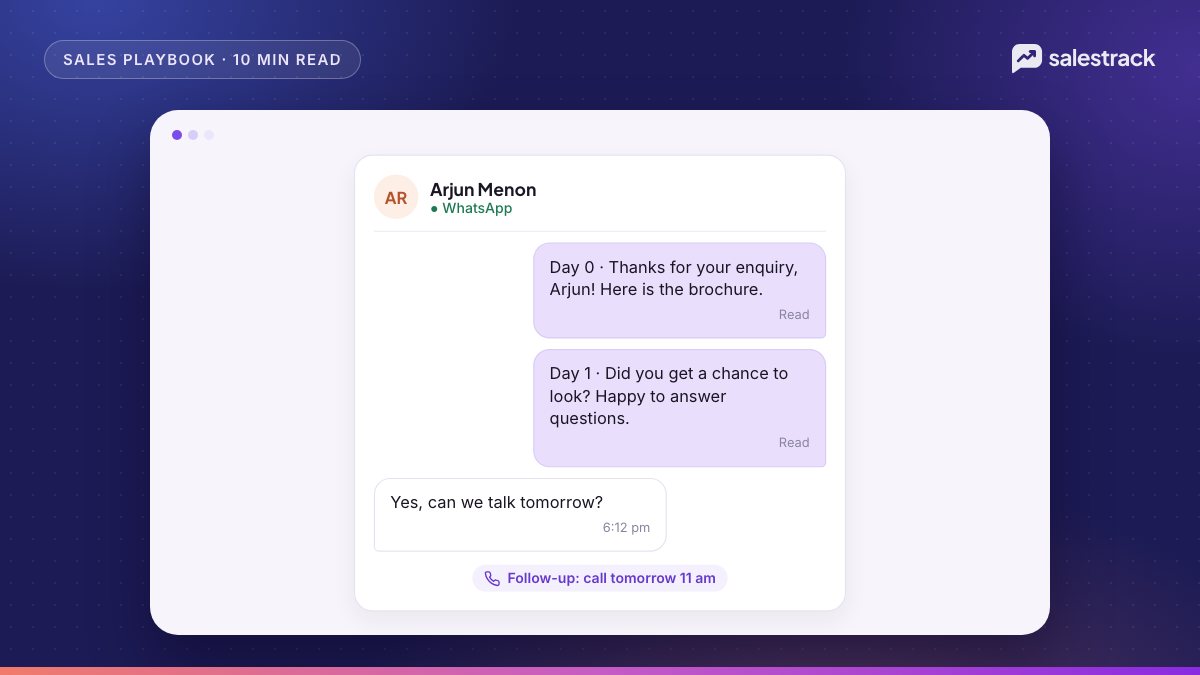
If the lead has not replied, send a short sequence: day 1, day 3, day 7 and a close-out around day 14. Each message adds something useful. Stop on reply, booking, stage change or opt-out. Our WhatsApp follow-up sequence guide has message examples.
5. Follow-up reminders for salespeople
When a salesperson promises "I'll call you Thursday", they set a follow-up date and the system reminds them on the day, overdue items first. This covers the follow-ups that should be human: calls, quotes and negotiations.
6. Stage-based messages
When a lead moves stage, send what that stage needs. Quote sent: the quote summary and a question two days later. Site visit done: brochure the same evening, payment plan on day 2. Consult done: treatment plan summary on day 1. Each stage has its own short sequence, and a stage change ends the previous one.
7. Appointment reminders
When a visit, consult, demo class or site visit is booked, send a confirmation immediately, a reminder the day before and a reminder two hours before with the location pin. These are usually utility templates, since they relate to something the person booked. Add a "Reply 1 to confirm, 2 to reschedule" option.
8. No-show recovery
When an appointment is marked no-show, send a friendly message within an hour ("We missed you today. Would you like to pick another time?") with two slots, and create a call task for the owner for the next morning. After two no-shows, close the lead with a reason instead of chasing forever.
9. Re-engagement broadcasts
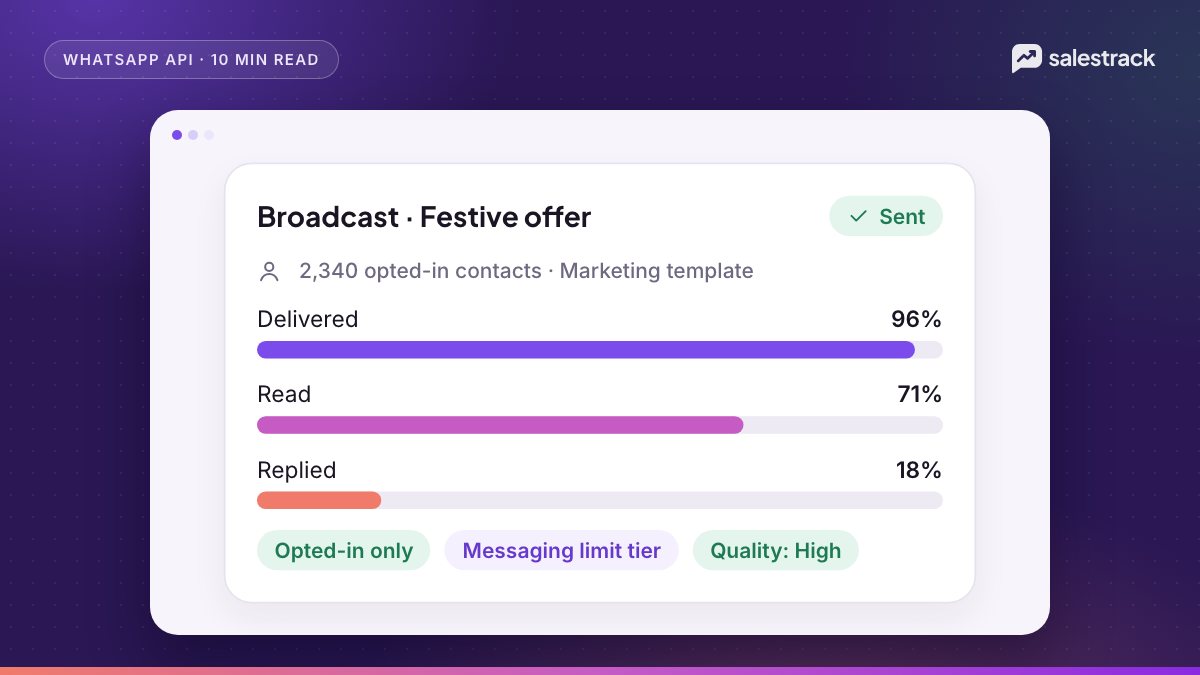
Leads that went quiet one to six months ago are often cheaper to revive than new leads are to buy. Send a broadcast to an auto-updating segment (for example, "closed as no response, opted in, last activity 60 to 180 days ago") with a genuine reason to come back: a new batch, a new project phase, a seasonal offer. Read our WhatsApp broadcast guidelines before you send.
10. Manager reports and alerts
Send the manager a daily summary: new leads by source, leads not contacted, median first response time, appointments booked and overdue follow-ups. Add alerts for exceptions, such as a lead reassigned twice, or more than five leads waiting over an hour. The sales reports and KPIs guide covers what to include.
What to automate and what to keep human
A simple test: automate anything that is the same every time and time-sensitive. Keep human anything that needs judgement, empathy or negotiation.
| Automate | Keep human |
|---|---|
| First acknowledgement and one qualifying question | The first real call or voice note |
| Assigning the lead and reassigning if idle | Deciding who handles a VIP or complaint |
| Reminders, confirmations, location pins | Explaining treatment, loan or visa options |
| Standard answers: timings, location, price ranges | Discounts, payment plans and exceptions |
| Nudges to leads who have not replied | Replies to leads who have objections |
| Reports and alerts | Coaching and decisions based on them |
WhatsApp rules every workflow must respect
Automation on WhatsApp is allowed, within rules. Build these into every workflow.
- Opt-in and opt-out. The WhatsApp Business Messaging Policy requires opt-in before you message people and says you must respect all requests to stop. Every sequence and broadcast must skip opted-out contacts.
- Human escalation. The same policy allows automation in the 24-hour window but requires prompt, clear and direct ways to reach a human, such as transfer to an agent in the chat or a phone number.
- Templates outside the window. Free-form messages are only possible within 24 hours of the lead's last message, per Meta's pricing documentation. Workflows that run on day 3 or day 7 almost always need approved templates.
- Correct template category. Meta's category guidelines say utility templates must be non-promotional and tied to something the user did or requested. Sales nudges and re-engagement are marketing.
- Per-user marketing limits. WhatsApp caps how many marketing templates one person receives, based on engagement. Blocked sends return error 131049, and Meta's documentation advises waiting at least 24 hours before retrying. Do not set workflows to retry instantly.
A four-week rollout plan
- Week 1: Instant first reply, assignment rules and the reassign timer. Measure first-response time before and after.
- Week 2: After-hours reply and follow-up reminders for salespeople.
- Week 3: The new-lead follow-up sequence and appointment reminders.
- Week 4: No-show recovery, manager reports and your first re-engagement broadcast.
Turn workflows on one at a time and read the first 20 to 30 conversations each one produces. Fix wording that confuses people before you add the next one.
Sales automation in salestrack
salestrack covers these workflows in one place. Lead assignment routes by keyword, ad, form, branch, round robin or capacity, with reassign timers. Automated follow-ups run template sequences by stage and source with stop rules, after-hours replies and a My day queue for salespeople. Broadcasts go to auto-updating, opted-in segments with the cost shown before sending. The AI sales agent on the Growth plan answers new leads day and night and hands hot leads over with a summary, and 20 built-in reports show managers what needs attention. Sequences are included on Growth or priced per workflow on Starter.
FAQ
What is a sales automation workflow?
A sales automation workflow is a rule that runs on its own: when something happens (a trigger, such as a new lead), the system does something (an action, such as sending a WhatsApp message or assigning an owner), until a stop condition is met.
Which sales workflows should I automate first?
Start with the instant first reply, lead assignment with a reassign timer, and follow-up reminders. These three fix the most common causes of lost leads: slow replies, unowned leads and forgotten follow-ups.
What should not be automated in sales?
Negotiation, pricing exceptions, complaints, sensitive medical or financial questions and the final close. Automation should get the lead to a person faster, not replace the person.
Can I automate WhatsApp messages without breaking WhatsApp rules?
Yes. WhatsApp's Business Messaging Policy allows automation in the 24-hour window, as long as people have opted in, you respect opt-outs and you offer a clear way to reach a human. Messages outside the window must be approved templates.
Do automated WhatsApp messages cost money?
Templates are charged per delivered message by category and country. Meta's pricing page says that from 1 October 2026 service messages beyond 1,000 per number per month, and utility messages inside the window, are also charged.
Sources
Facts in this article were checked against these sources on 1 November 2026. WhatsApp and Meta change their rules and prices often, so check the source before you rely on a number.